DT-4500 Series C- and Ku-Band Down Converters MN/DT4500.IOM
Front and Rear Panel Connectors Revision 2
4–6
4.1.4 USB Cable Connections
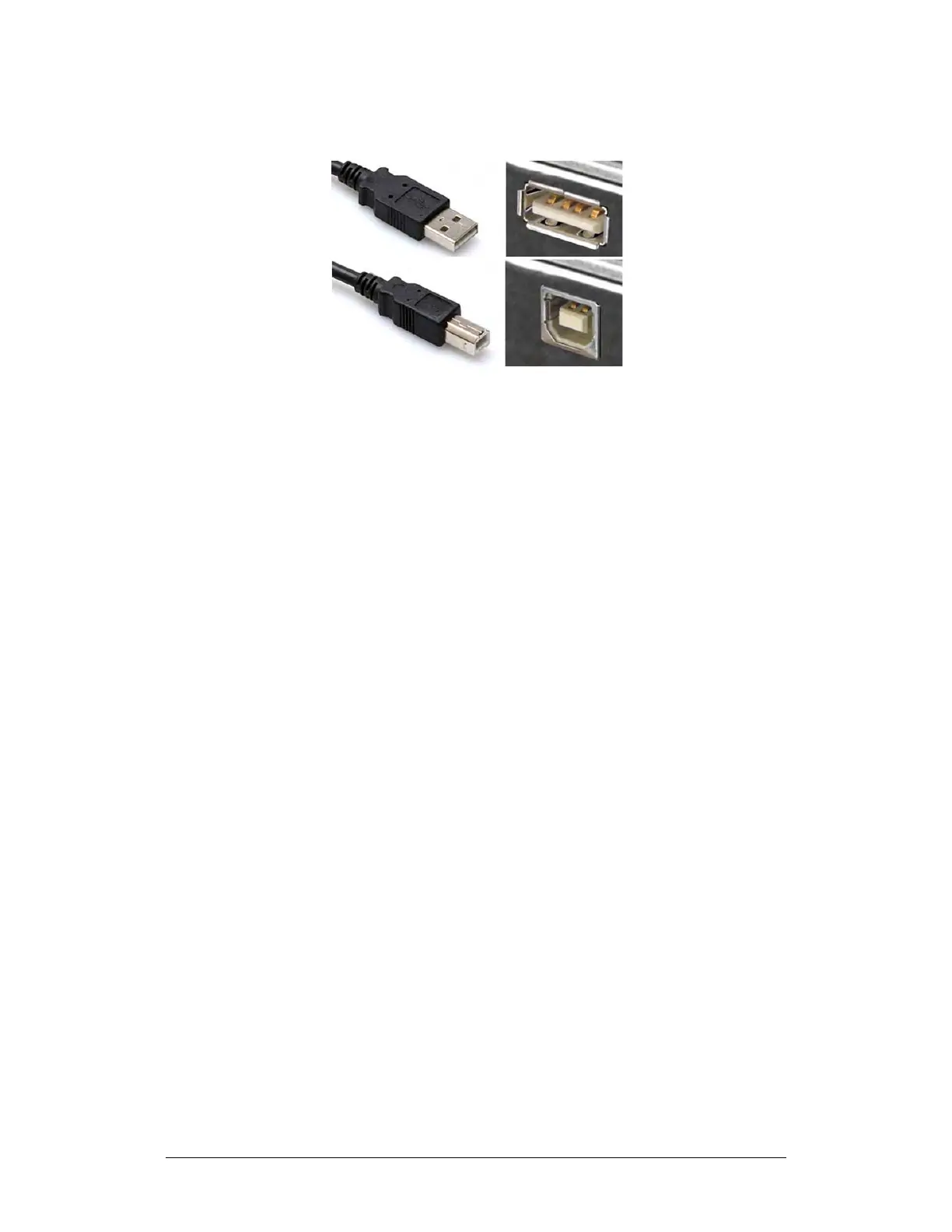
(TOP) Type ‘A’ USB Plug and Receptacle
(BOTTOM) Type ‘B’ USB Plug and Receptacle
Figure 4-4. USB Connector Examples
Universal Serial Bus connectors are also called USB connectors. A USB
connection is used as a bus-type communications or power interface between
peripheral devices. The connector pair (Figure 4-4) features a plug (male side)
coupled to its mating receptacle (female side).
Connection Instructions
Type ‘A’ Connections – Slide the plug firmly into the chassis receptacle.
Type ‘B’ Connections – Orient the plug to the receptacle and push in firmly. The
Type ‘B’ cable plug and chassis receptacle each feature a D-shaped profile that
interlock to ensure proper orientation and connector seating. By design, it is
impossible to incorrectly insert the plug into the receptacle.



 To Next Page