DT-4500 Series C- and Ku-Band Down Converters MN/DT4500.IOM
Front Panel Operation Revision 2
6–2
6.1.1 Power Up the Unit
Before applying power, you should check to ensure that installation is complete.
Verify that the converter is connected to the proper prime power source, RF
Input, and IF Output.
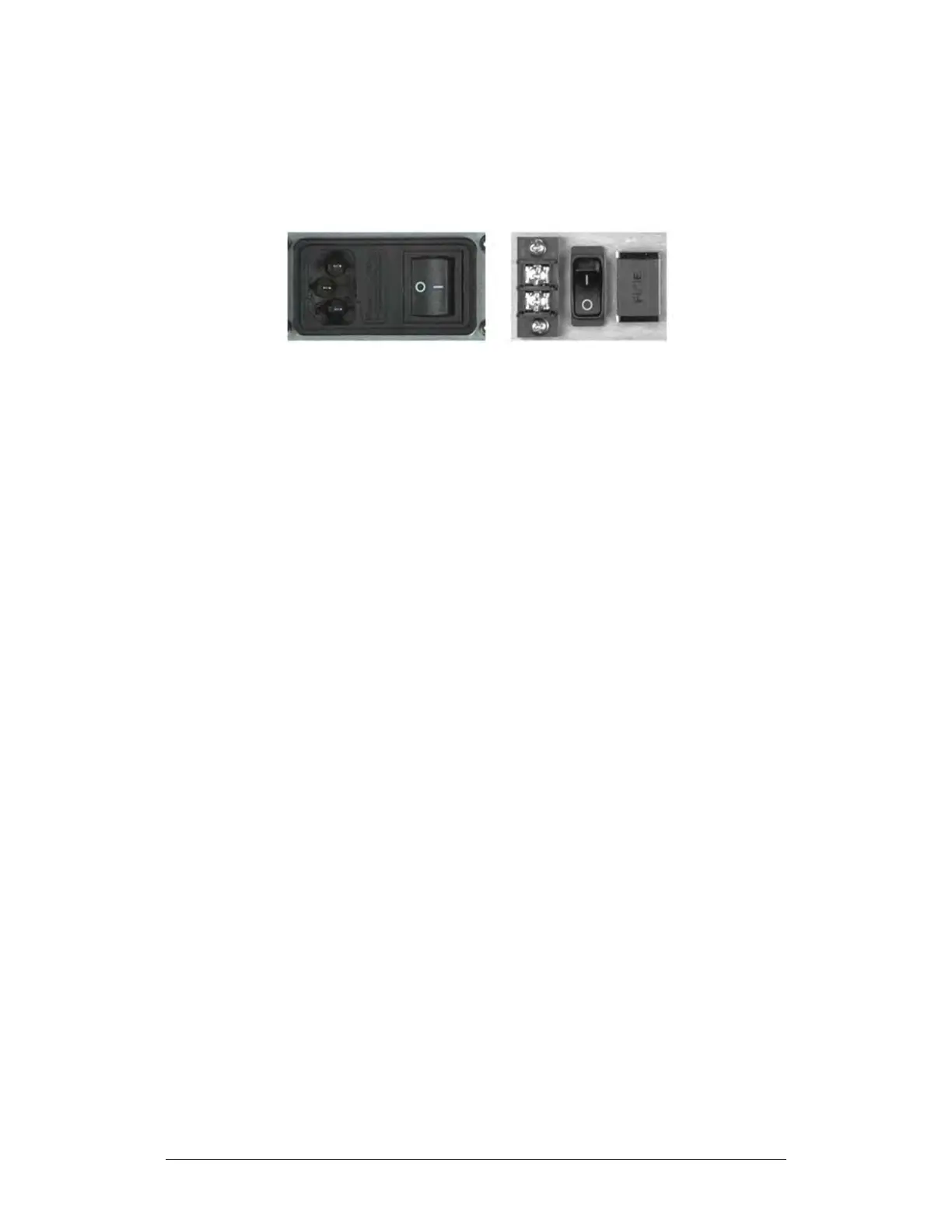
(LEFT) Standard AC Chassis
(RIGHT) Optional -48VDC Chassis
Figure 6-2. Rear Panel – Standard and Optional Power Interfaces
Switch on the unit (Figure 6-2). Verify that the cooling fan is operational, the LED
indicators illuminate as expected, and the Vacuum Fluorescent Display is
readable.



 To Next Page