DT-4500 Series C- and Ku-Band Down Converters MN/DT4500.IOM
Appendix A Revision 2
A–9
A.4 Redundant System Configuration
A.4.1 Redundant System Configuration Using the Front
Panel
Chapter 6. FRONT PANEL OPERATION
A.4.1.1 Initial Configuration
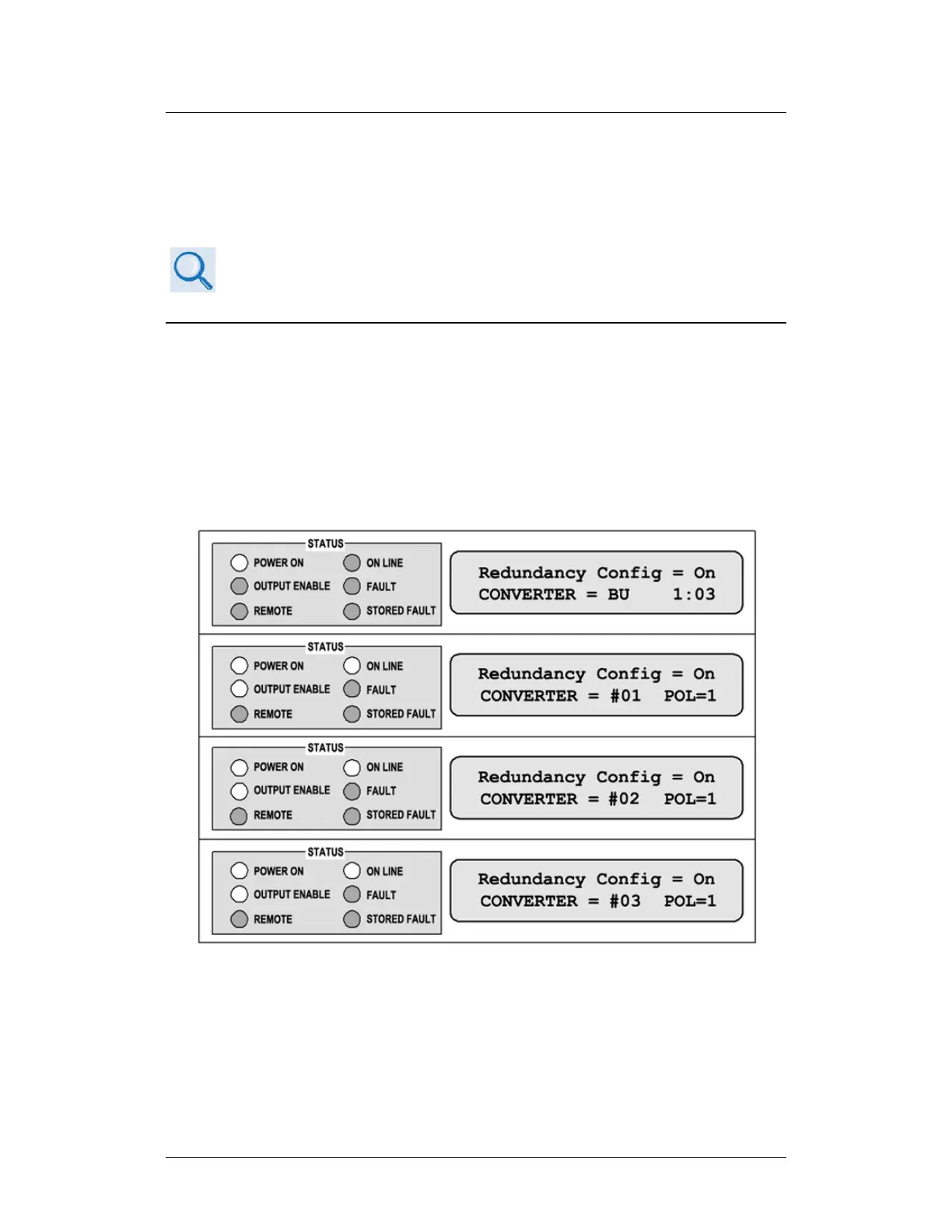
Use the DT-4500 front panel CONFIGREDUNDANCY menu branch to configure
your redundant system. Assign a redundancy configuration address (01 to 12) to
each online unit. Make sure that you assign the online converter address relative
to its proximity to the backup unit (BU); i.e., the unit closest to the BU must be
Converter #01, the next unit down must be Converter #02, etc. Figure A-9 shows
the proper address assignments for a 1:3 system (chain).
Figure A-9. Front Panel Example – 1:3 System Configuration



 To Next Page