DT-4500 Series C- and Ku-Band Down Converters MN/DT4500.IOM
Firmware Update Revision 2
5–14
5.4.4.1 Select the Boot Image
5.4.4.1.1 Use the Front Panel to Select the Boot Image
Do these steps from the DT-4500 front panel:
1. Go to the UTILITY FIRMWARE SELECT menu branch.
Current Active Image: #2
Next Reboot Image: #1 #2
2. On the bottom line, use the ◄ ► arrow keys to change to the other
image.
You must be in LOCAL MODE to perform this task. If you are not
in Local Mode (via the CONFIG
REMOTE menu branch), the
unit will prompt you to take an action before continuing:
Remote Mode: press ENTER
For local mode, or CLEAR
3. You must cycle power to hard-reboot the unit.
5.4.4.1.2 Use the HTTP Interface to Select the Boot Image
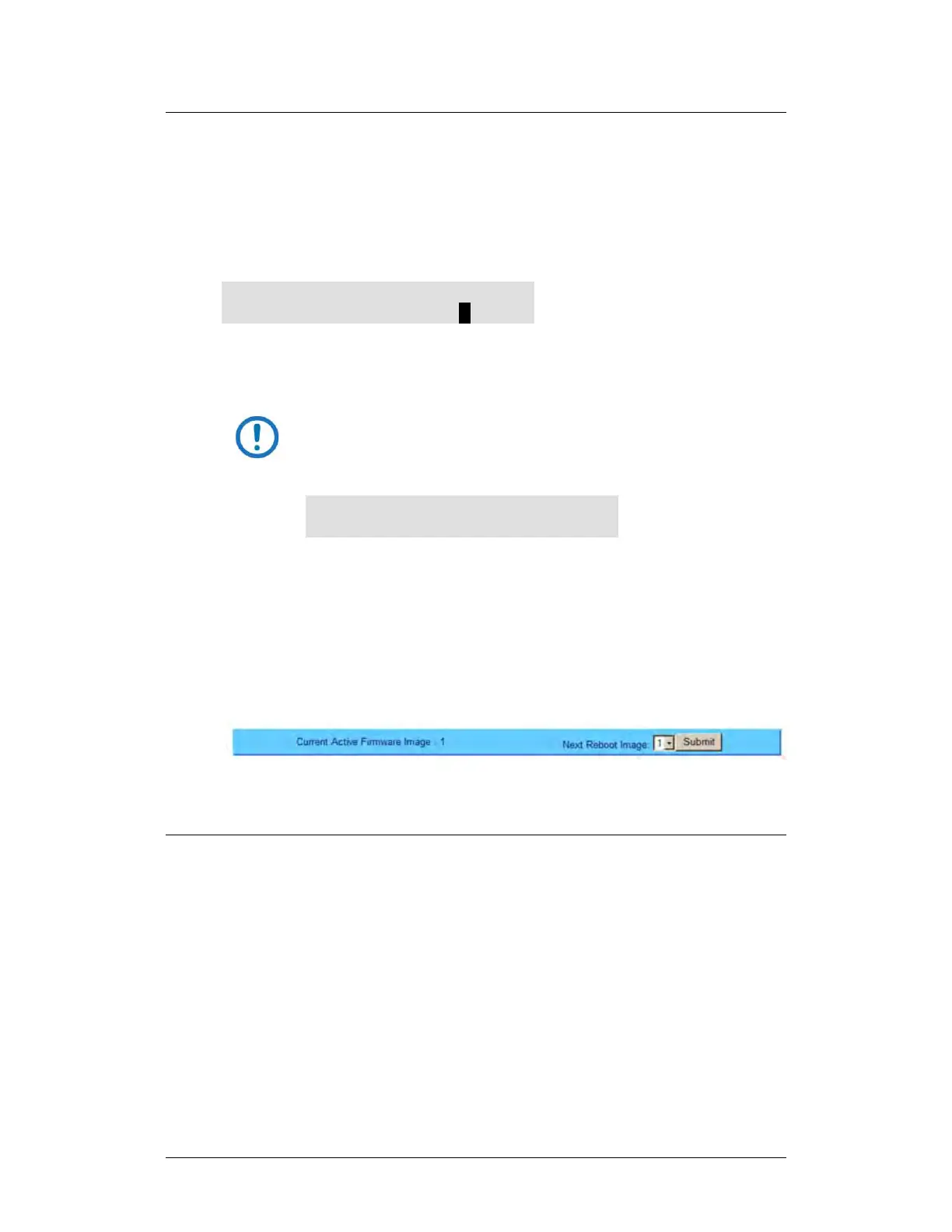
Do these steps from the HTTP Interface ‘Config | Utility’ page:
1. Use the ‘Next Reboot Image’ drop-down list to select Image 1 or 2 as the
preferred Current Active Firmware Image:
2. Click [Submit].
3. Hard-reboot or soft-reboot the unit.
5.4.4.2 Reboot the Unit
5.4.4.2.1 Hard-reboot the Unit from the Rear Panel
Typical for either the standard AC unit or the optional DC unit:
1. From the unit rear panel, switch the power OFF, and then turn the power
back ON.



 To Next Page