DT-4500 Series C- and Ku-Band Down Converters MN/DT4500.IOM
Firmware Update Revision 2
5–10
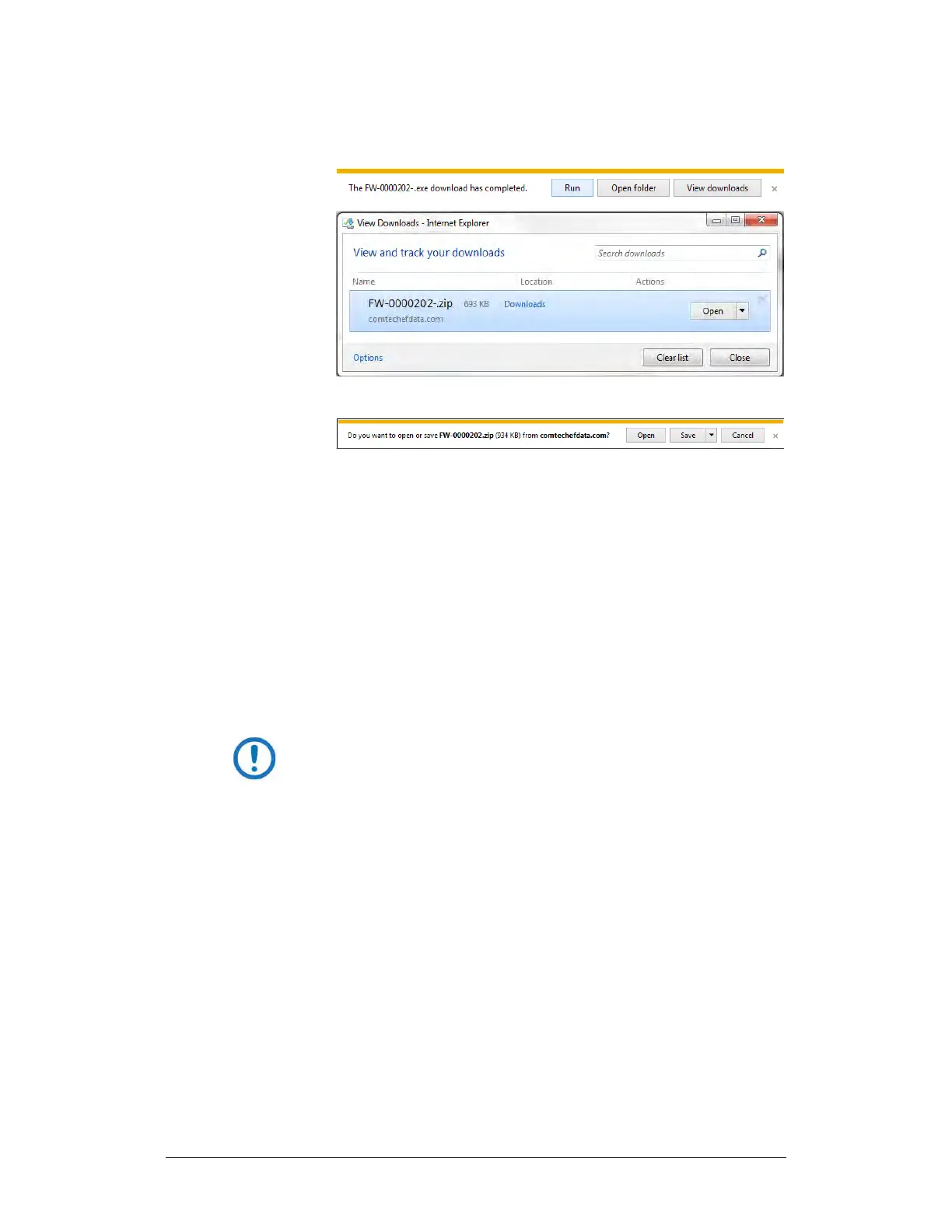
you to either [Run] the self-extracting file, or to open or view
the Windows Downloads folder for further action.
• For ZIP files:
o Click [Open] to open the archive file. Use the WinZip features to
select the files for extraction to your destination folder.
o Click [Save] to download the ZIP file to your Windows Downloads
fo l d e r. Once the download is complete the dialogue prompts you
to either [Open] the archive file, or to open or view the Windows
Downloads folder for further action.
8. If not already done with File Download > Open, you must extract, at a
minimum, these files (filenames are subject to change):
• FW-0000202X_45xxA_#.#.#.bin – The Firmware Bulk image file
• ReleaseNotes_ 45xxA.v#.#.#.pdf – The Firmware Release Notes PDF
file
• CReflash.exe –The Firmware Update Utility program
WHERE: ‘X’ is the firmware revision letter, and ‘#._#.#’ is
the firmware version (e.g., FW Ver. 1.2.3)
9. Confirm availability of the firmware files in the temporary folder. There
are several ways you can view the contents of the temporary folder on a
Windows-based PC:
• To use the Windows Desktop, see Section 5.3.1.1.
• To use Windows Command-line or Command Prompt, see Section
5.3.1.2.
After you confirm the firmware files are in the folder, proceed to Section 5.4 to
upload the firmware update to the DT-4500.



 To Next Page