Maintenance Manual SP 40
Rev. 005
64
Chapter 3
Operabilty and Configuration
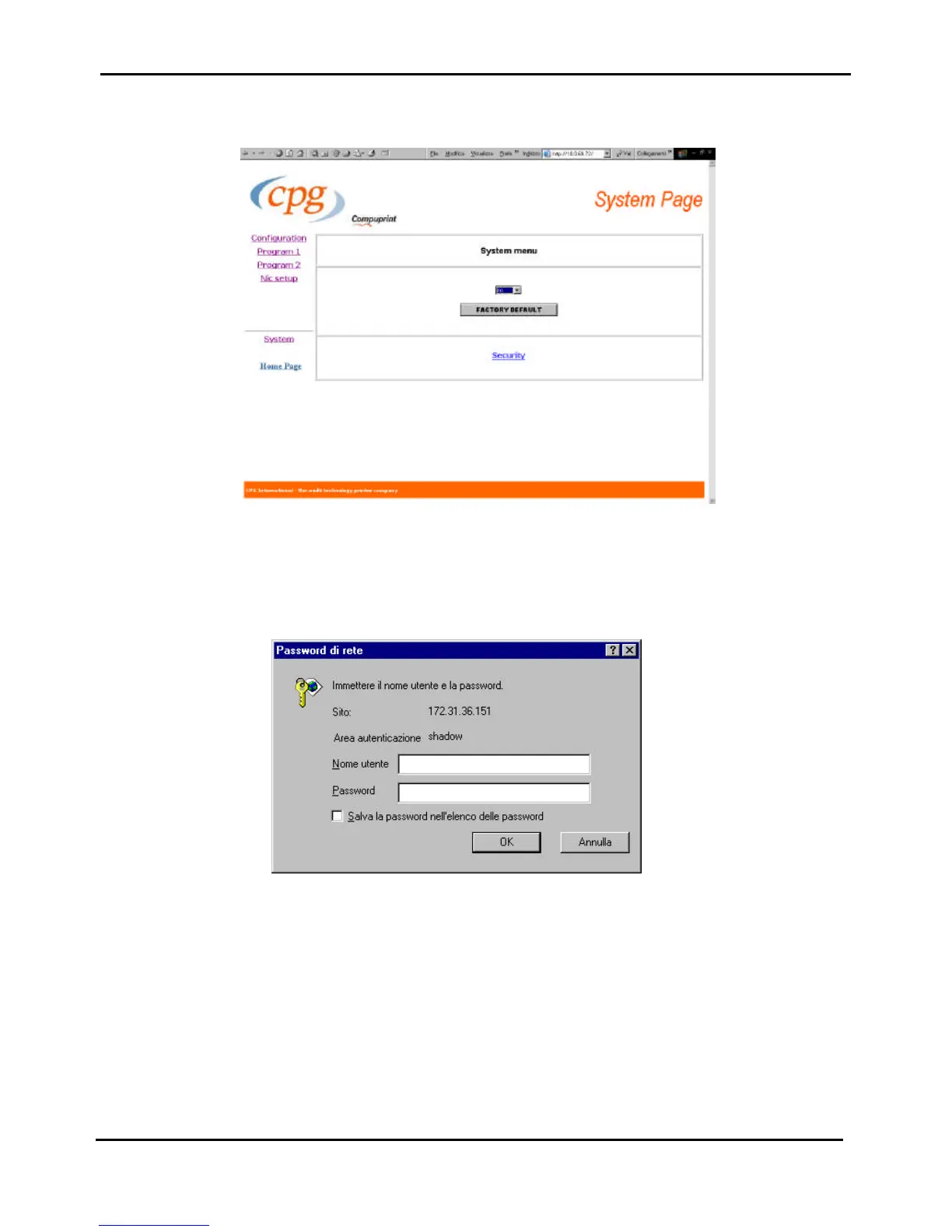
To assure a security access to the remote configuration, a security Password can be set.
Figure 3.11b - System Page of SP40 through web browser
In the System page ckick on the Security Setting button.
The first time the following screen appears:
Figure 3.11c - Security Setting (first time)
The User Name is: root
The default password is : root



 To Next Page