Maintenance Manual SP 40
Rev. 005
65
Chapter 3
Operabilty and Configuration
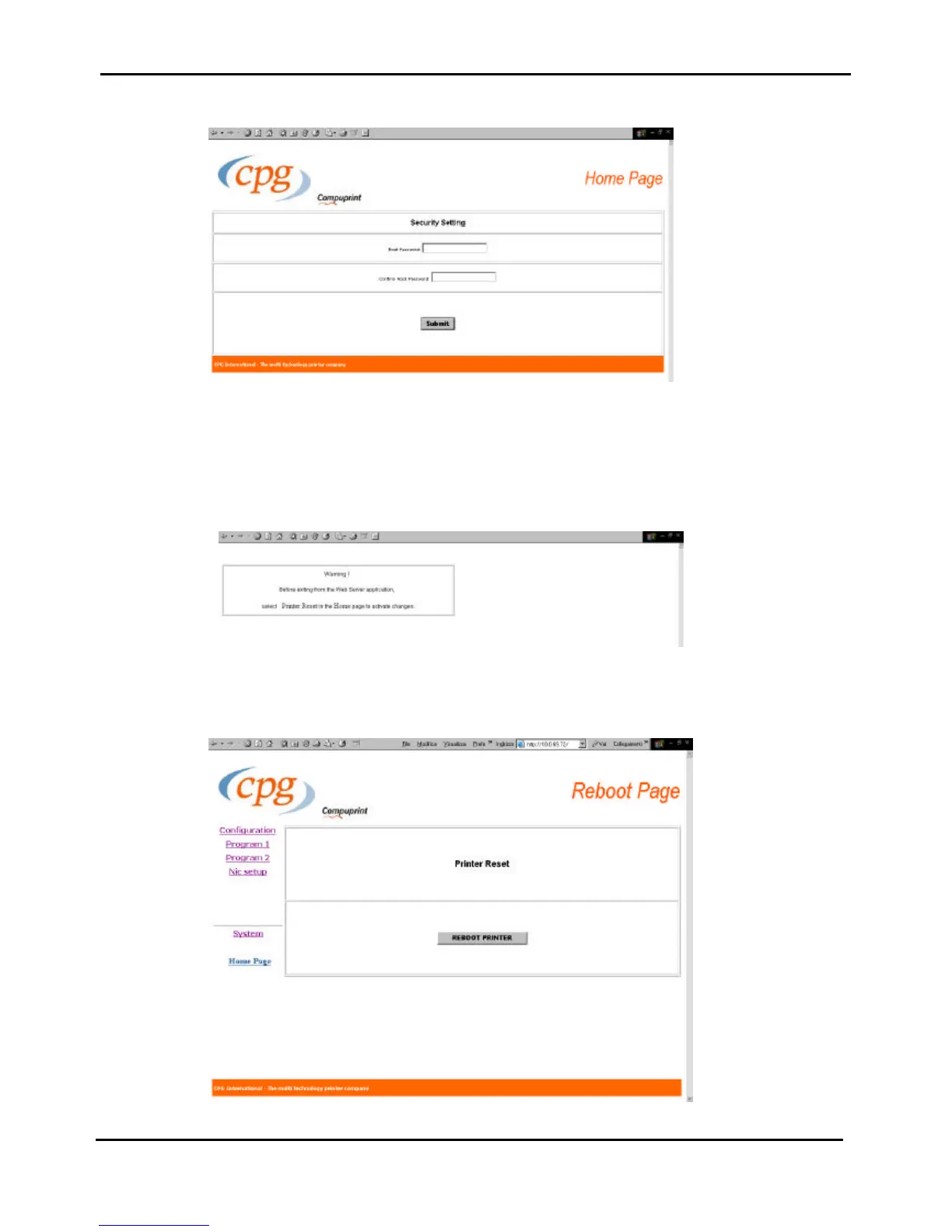
The following screen appears.
Figure 3.11d - Security Setting Page of SP40 through web browser
It is now possible to indicate a password to protect the setting.
Click on the submit button, the following scree appears remind you that it is necessary to select Reboot printer
in the Printer Reset page to save the changes.
Figure 3.11e - Warning message
Figure 3.11f - Reboot Page of SP40 through web browser



 To Next Page