116 • Crestron Zūm® Wired Solutions Product Manual — Doc. 9349B
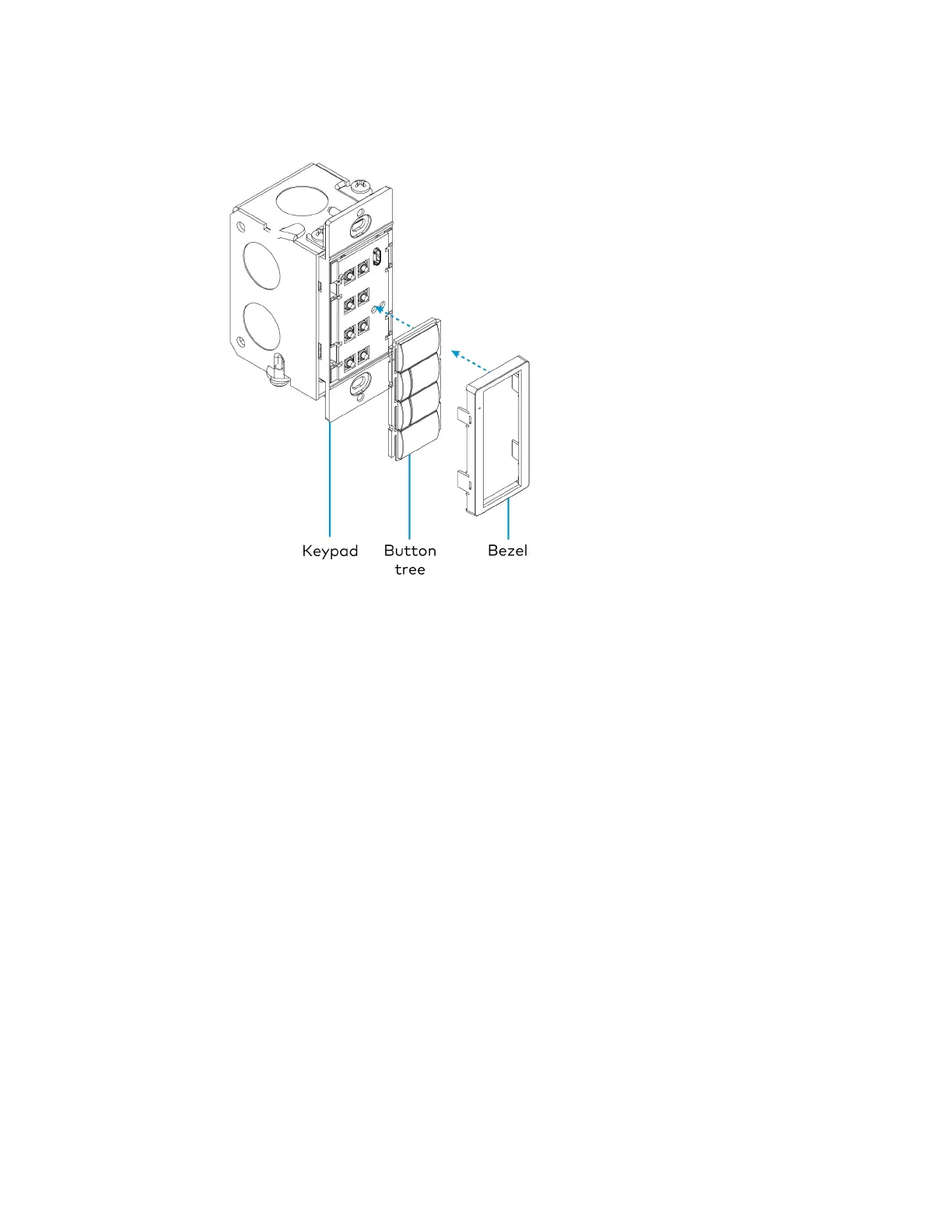
4. Place the replacement bezel on top of the rocker button/button tree, making sure to align
the LED hole with the LED on the keypad, and snap the bezel into place.
For more information, refer to the following topics:
l
Keypad Operation on page 149
l
Zūm App Configuration on page 152



 To Next Page