Product Manual — Doc. 9349B Crestron Zūm® Wired Solutions • 149
Keypad Operation
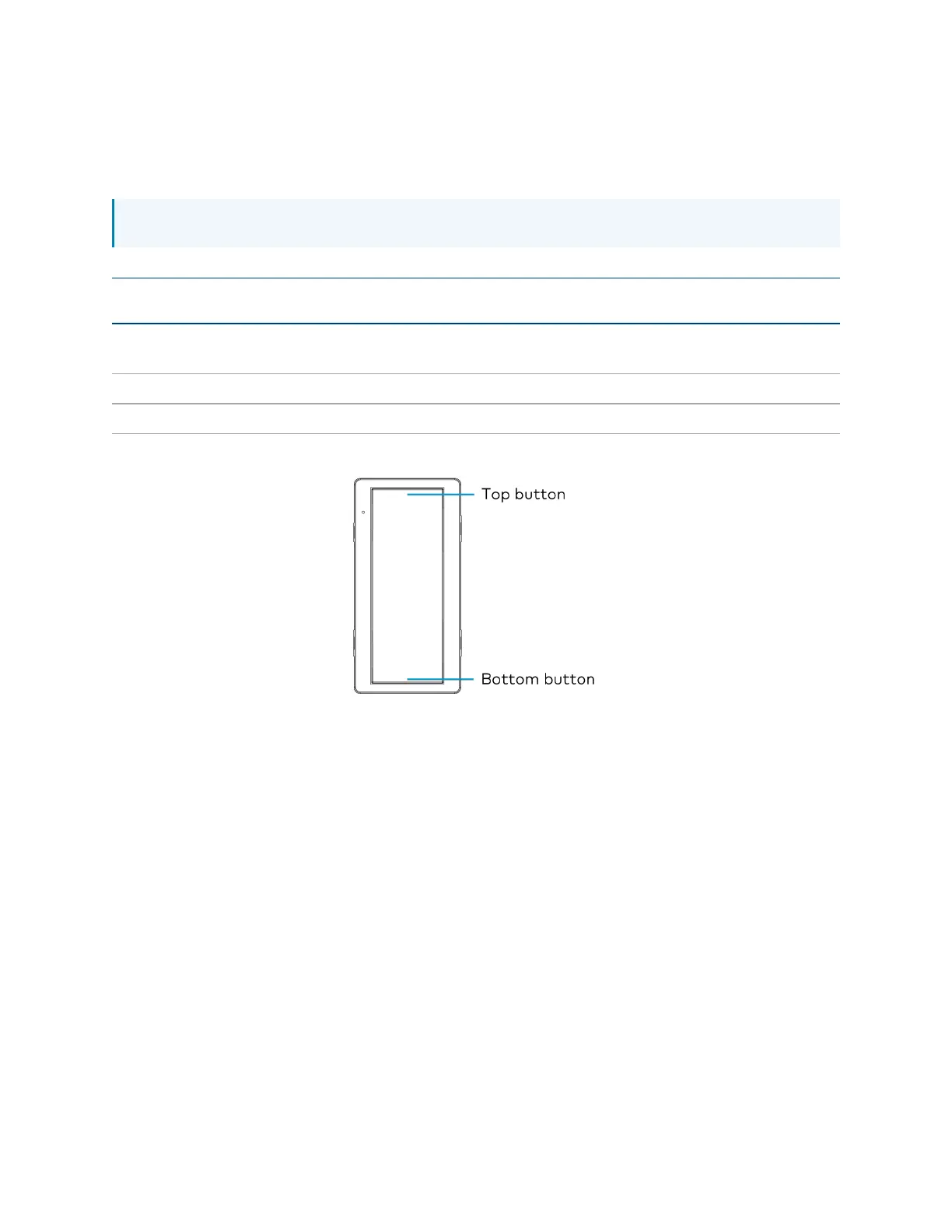
The ZUMLINK-KP-R controls most of the connected load controllers in a space.
NOTE: The ZUMLINK-KP-R will not control a ZUMLINK-JBOX-20A-PLUG.
Load Controller
Top Button
Tap
Top Button
Hold
Bottom
Button Tap
Bottom Button
Hold
ZUMNET-JBOX-16A-LV and
ZUMLINK-JBOX-16A-LV
Recalls
Scene 1
Raise all
loads
Recalls Off Lower all
loads
ZUMLINK-JBOX-20A-SW Recalls On N/A Recalls Off N/A
ZUMLINK-JBOX-20A-PLUG N/A N/A N/A N/A
ZUMLINK-KP Functionality When Connected to Load Controllers
The ZUMLINK-KP-R can be used with any ZUMLINK-BTN button tree for up to 8 programmable
buttons. Use the Zūm app to change a button's default functionality. Each of the buttons can be
programmed with the following functions:
l
None
l
Off: Assigned loads controllers turn off.
l
On: Assigned loads turn on
l
Raise: Assigned load controllers raise.
l
Lower: Assigned load controllers lower.
l
Recall Scene 1 - Scene 16: Assigned load controllers recall the behavior set for the specified
scene.
Refer to Zūm App Configuration on page 152for configuring the device.



 To Next Page