200 • Crestron Zūm® Wired Solutions Product Manual — Doc. 9349B
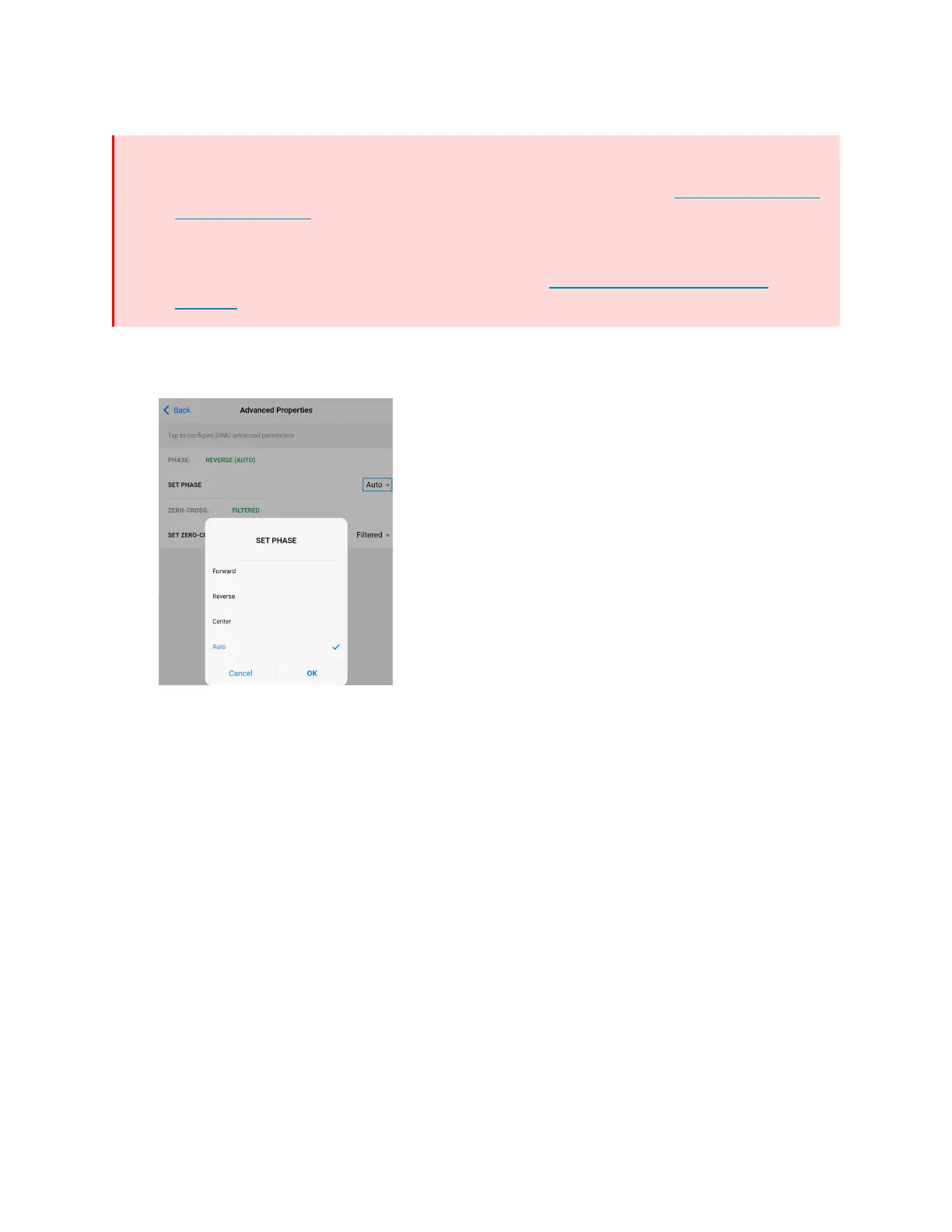
Set Phase
WARNINGS:
l
Auto Dimming mode should not be disabled unless suggested by a Crestron True Blue
Technical Support representative. Incorrectly setting these switches to force the
wrong mode can cause damage to the dimmer and lighting fixture or create a
hazardous condition.
l
Only use Center Dimming mode if instructed by a Crestron True Blue Technical
Support representative.
By default, Auto is selected. To change the phase:
1. Select the SET PHASE menu to open the options: Forward, Reverse, Center, and Auto.



 To Next Page