Product Manual — Doc. 9349B Crestron Zūm® Wired Solutions • 203
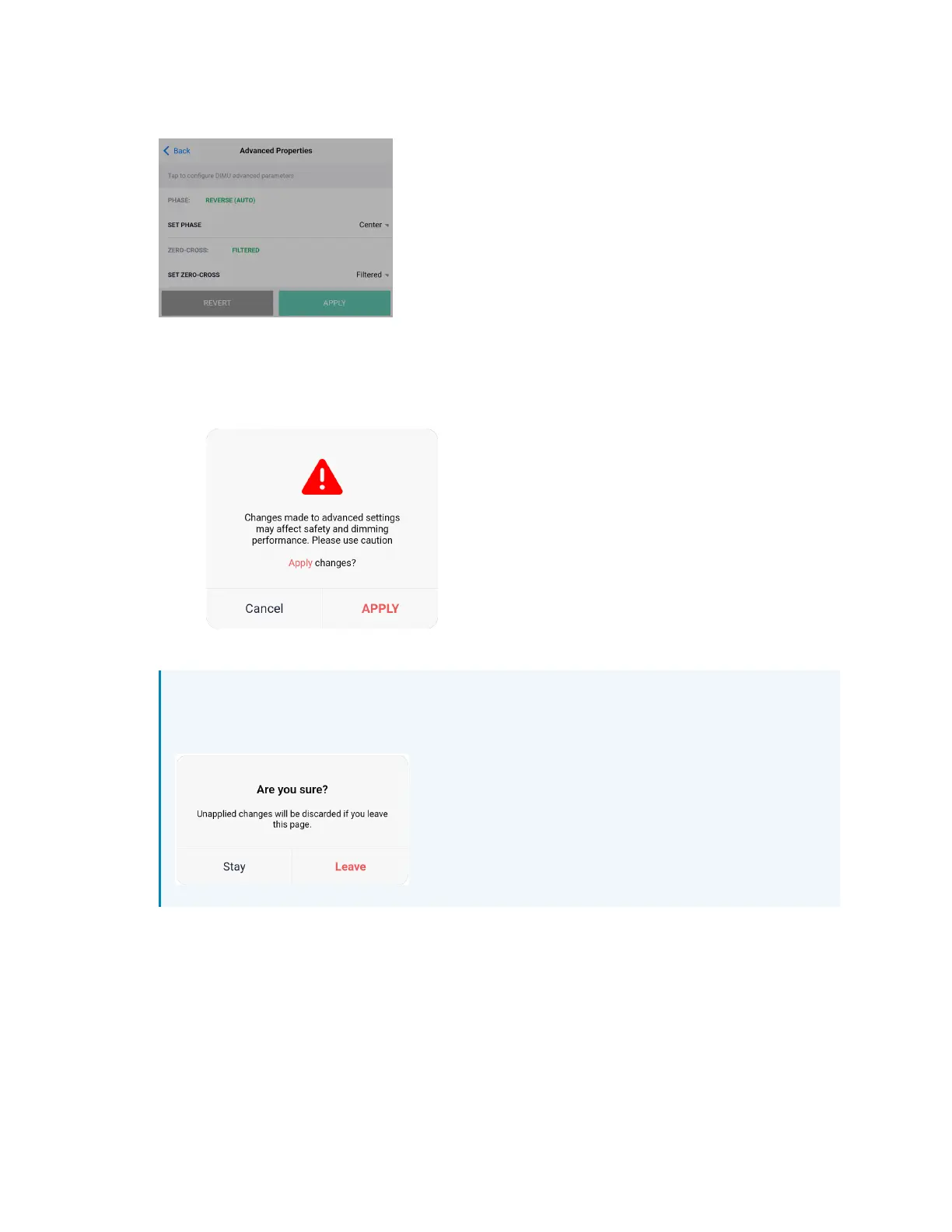
2. Select the desired option and select OK. The REVERT and APPLY options display.
a. Select APPLY to apply the change. The dimming performance warning displays
requiring a confirmation to apply the change.
Select APPLY to confirm and apply the change, or select Cancel to go back to the
previous screen.
b. Select REVERT to change the selection to the default or previously set option.
NOTE: If the Back button is selected while changing the Advanced Properties settings,
the following warning displays. Select Leave to leave without applying a change or
Stay to apply the change.



 To Next Page