Product Manual — Doc. 9349B Crestron Zūm® Wired Solutions • 249
Configure Holidays
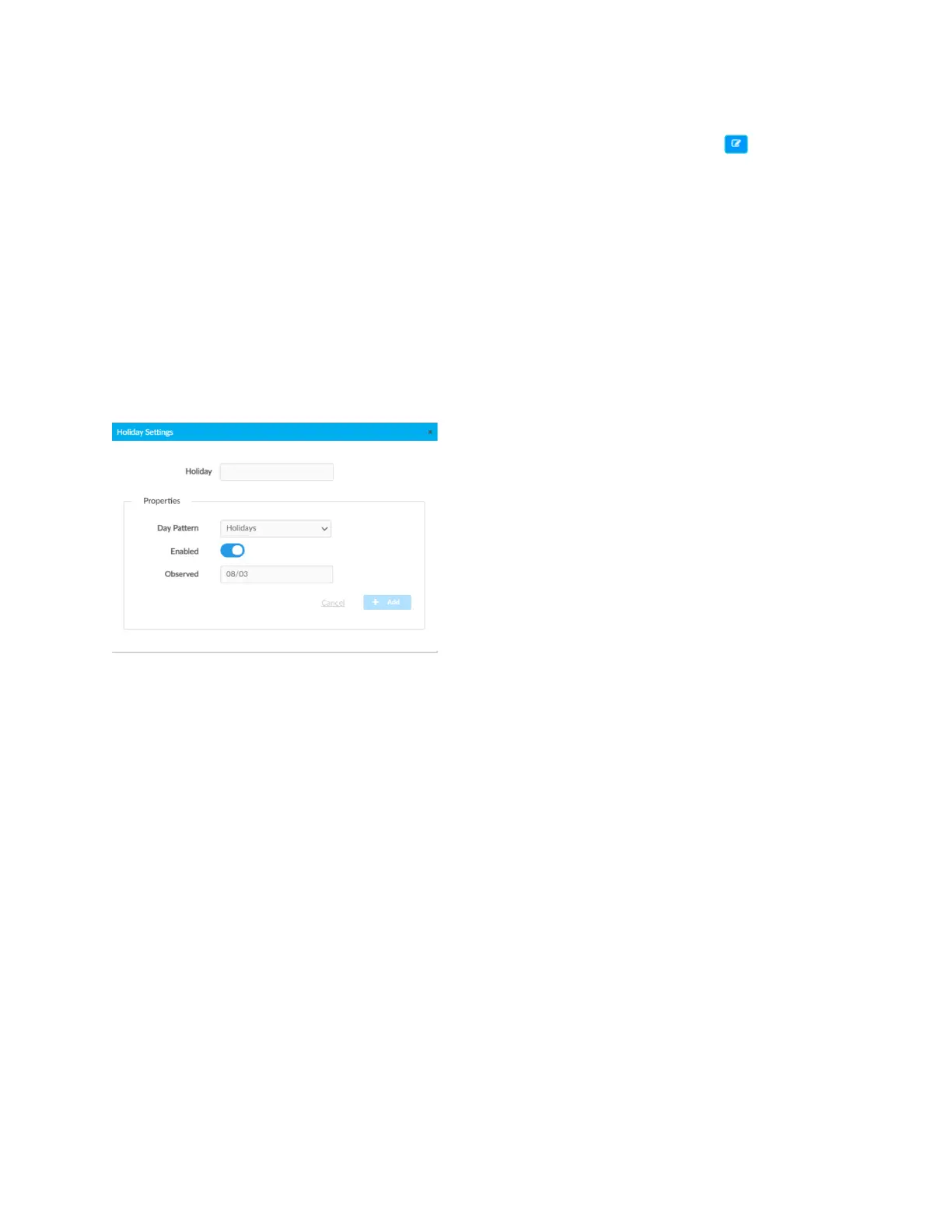
After adding a Holiday, the Holiday Settings window opens. Alternatively, clicking beside a
Holiday opens the Edit Holiday Settings window. These windows display the Holiday settings. To
configure Holidays in the Holiday Settings window:
1. Enter or edit the name of the desired Holiday in the Holiday field.
2. Configure the Properties:
l
Day Pattern: By default, the Holiday Day Pattern is selected
l
Enabled: By default, the Enabled toggle is on. Turn the toggle off to prevent the
holiday from appearing in the calendar on the Schedule tab. When the toggle is off,
the default Day Pattern is applied instead.
l
Observed: Select a date to observe the holiday.
3. Click Add to add the Holiday or Cancel to close the window.



 To Next Page