32 • Crestron Zūm® Wired Solutions Product Manual — Doc. 9349B
Web-Based Management
The web browser user interface can manage, monitor, and schedule all of the available rooms on
the network. Use a laptop computer (not included) to configure devices to work with the
ZUM-HUB4. Active lighting scenes, daylight levels, occupancy detection, and scheduled time clock
events are displayed. Errors are shown to facilitate troubleshooting.
Time Clock
A built-in time clock enables automated lighting control based on the time of day. Assign a Room
Category (such as Office or Hallway) for consistent control and programming across multiple
rooms. The clock allows Day Pattern arrangement for each Room Category, with up to 24 Room
States scheduled over a 24 hour period. Different Day Patterns can be defined and assigned to
the calendar, which is pre-populated with typical day patterns and a selection of U.S. holidays.
BACnet™ Communications Protocol
Communicate with a Building Management System (BMS) to provide control of fire/life safety,
lighting, and other building automation systems. The ZUM-HUB4 supports up to 1,9809,000
BACnet objects.
Crestron XiO Cloud® Service Integration
Use Crestron XiO Cloud functionality for remote commissioning and monitoring of a ZUM-HUB4
control system.
Zūm Wireless Integration
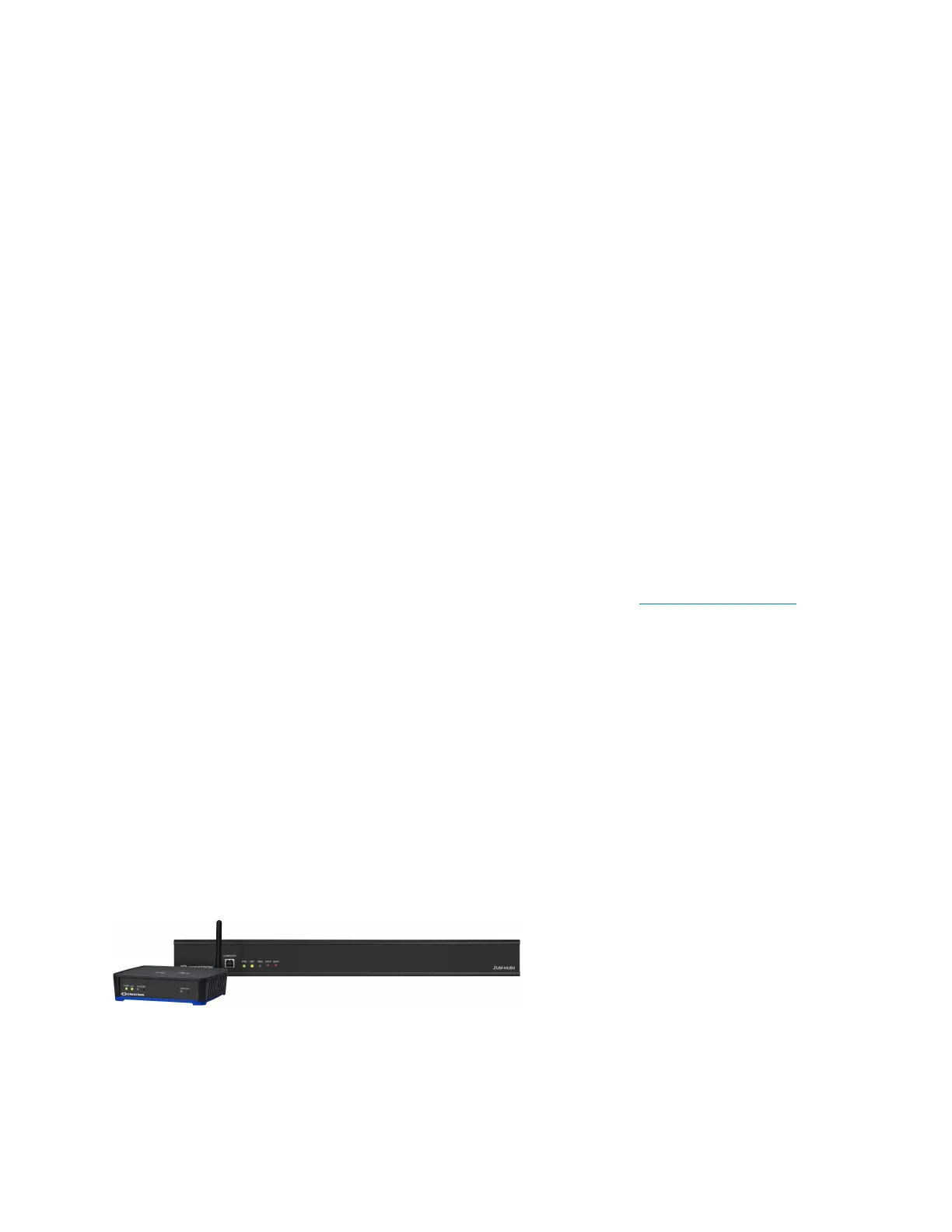
Integration with existing Zūm Wireless installations is achieved with a ZUMNET-GATEWAY (not
supplied), which connects to the ZUM-HUB4 via Ethernet.
Zūm System Integration with Other Crestron Control Systems
In addition to managing rooms equipped with Zūm lighting control, the ZUM-HUB4 enables
integration with other Crestron systems over an Ethernet connection. Two methods of
integration are available:
l
External Rooms: A virtual room using legacy or conventional Crestron lighting control can
be added to the Zūm network to be monitored, controlled and scheduled.
1,2
l
Mirrored Rooms: An external Crestron system controls and monitors a room equipped
with a Zūm system. Mirrored rooms allow for room control with a Crestron touch screen or
handheld remote, as well as integration with shading, climate control, AV, and other
equipment.
1,2
ZUML-HUB4-GW
l
Facilitates quick setup of a centrally managed Zūm light control system
l
Contains a ZUM-HUB4 Zūm hub, PW-2420RU power pack, ZUMNET-GATEWAY Zūm
gateway, and PW-2407WU power supply for the gateway



 To Next Page