Configuring IP Information
Configuring IP Interfaces
Page 121
Defining IP Addresses
The IP Interface Page contains fields for assigning IP parameters to interfaces, and for assigning gateway
devices. Packets are forwarded to the default IP when frames are sent to a remote network. The configured IP
address must belong to the same IP address subnet of one of the IP interfaces.
To define an IP interface:
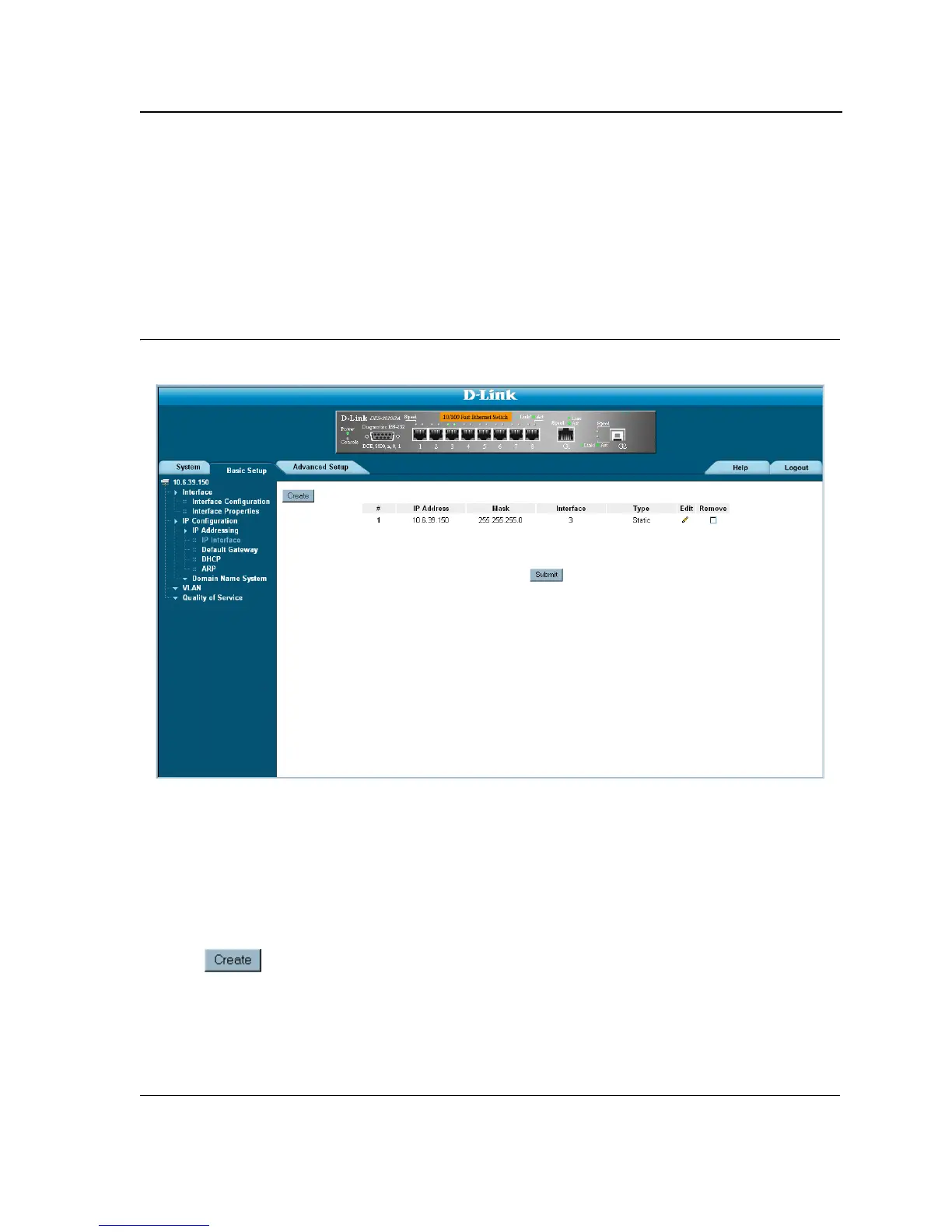
1. Click Basic Setup > IP Configuration > IP Addressing > IP Interface. The IP Interface Page opens.
Figure 70: IP Interface Page
The IP Interface Page contains the following fields:
• IP Address — Displays the currently configured IP address.
• Mask — Displays the currently configured IP address mask.
• Interface — Displays the interface used to manage the device.
• Remove — Removes the selected IP address from the interface. The possible field values are:
– Checked — Removes the IP address from the interface.
– Unchecked — Maintains the IP address assigned to the Interface.
2. Click . The Add IP Interface Page opens:













 To Next Page