Managing System Logs
Viewing the Device Memory Logs
Page 203
Viewing the Device Memory Logs
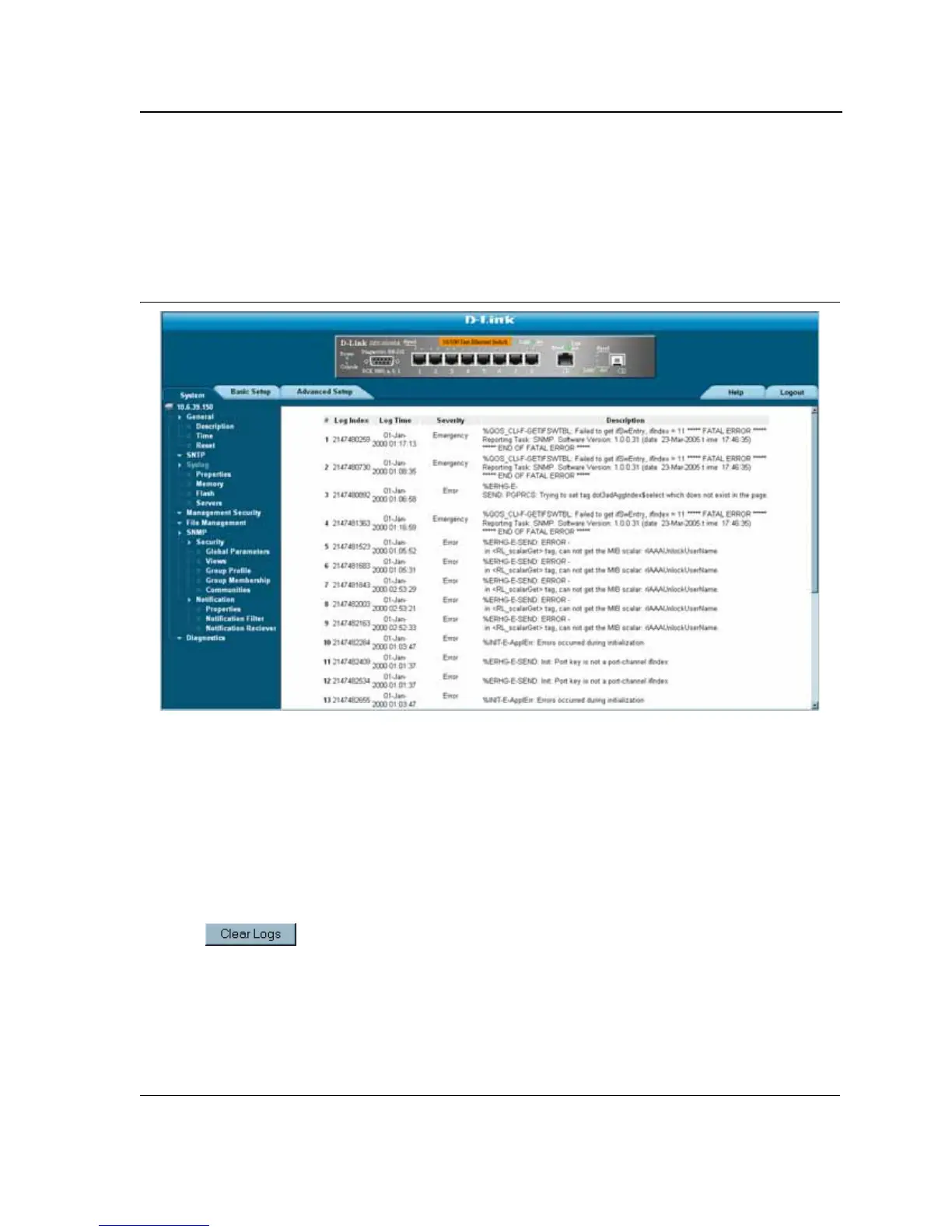
The Device Memory Log Page contains all system logs in a chronological order that are saved in RAM (Cache).
To open the Device Memory Log Page:
• Click System > Syslog > Memory. The Device Memory Log Page opens.
Figure 129:Device Memory Log Page
The Device Memory Log Pagecontains the following fields:
• Log Index — Displays the log number.
• Log Time — Displays the time at which the log was generated.
• Severity — Displays the log severity.
• Description — Displays the log message text.
Clearing Device Memory Logs
Message logs can be cleared from the Device Memory Log Page. To clear message logs:
1. Click System > Syslog > Memory. The Device Memory Log Page opens.
2. Click . The message logs are cleared.













 To Next Page