Configuring Quality of Service
Configuring Quality of Service General Settings
Page 185
Configuring Quality of Service General Settings
This section contains information for defining QoS global parameters, QoS queue settings, and QoS interface set-
tings, and contains the following topics:
• Defining QoS Settings
• Defining Bandwidth Settings
• Defining Queue Settings
• Mapping QoS Queues
Defining QoS Settings
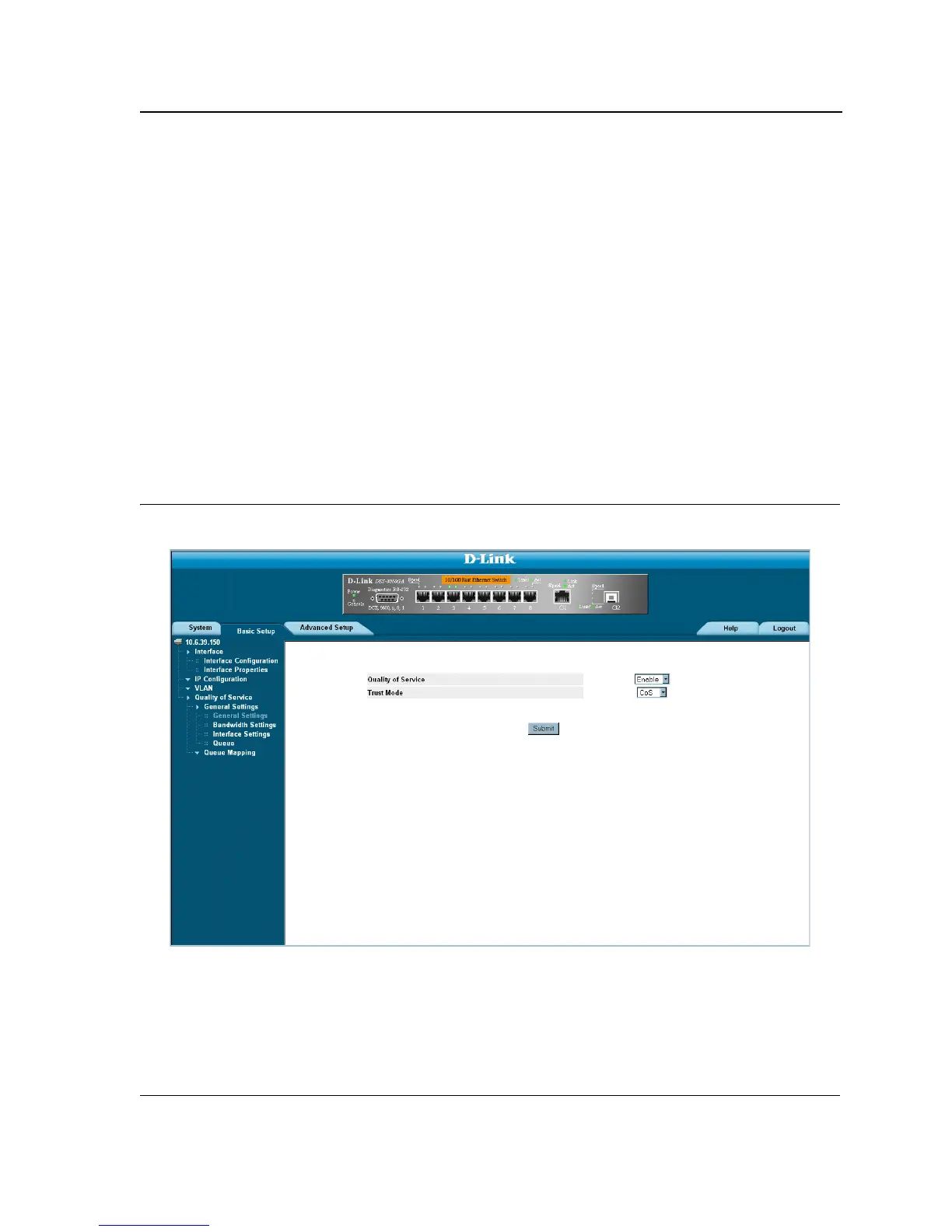
The QoS General Settings Page contains fields for enabling or disabling CoS. In addition, the Trust mode can be
selected. The Trust mode relies on predefined fields within the packet to determine the egress queue settings. To
define the QoS settings:
1. Click Basic Setup > Quality of Service > General Settings > General Settings. The QoS General Settings
Page opens.
Figure 118:QoS General Settings Page
The QoS General Settings Page displays the following fields:
• Quality of Service — Determines whether QoS is enabled on the interface. The possible values are:
– Enable — Enables QoS on the interface.
– Disable — Disables QoS on the interface.













 To Next Page