Configuring Device Security
Configuring Management Security
Page 79
Configuring Passwords
This section contains information for defining device passwords, and includes the following topics.
• Defining Local Users
• Defining Line Passwords
• Defining Enable Passwords
Defining Local Users
Network administrators can
define users, passwords, and access levels for users using the Local User
Page. To define local users:
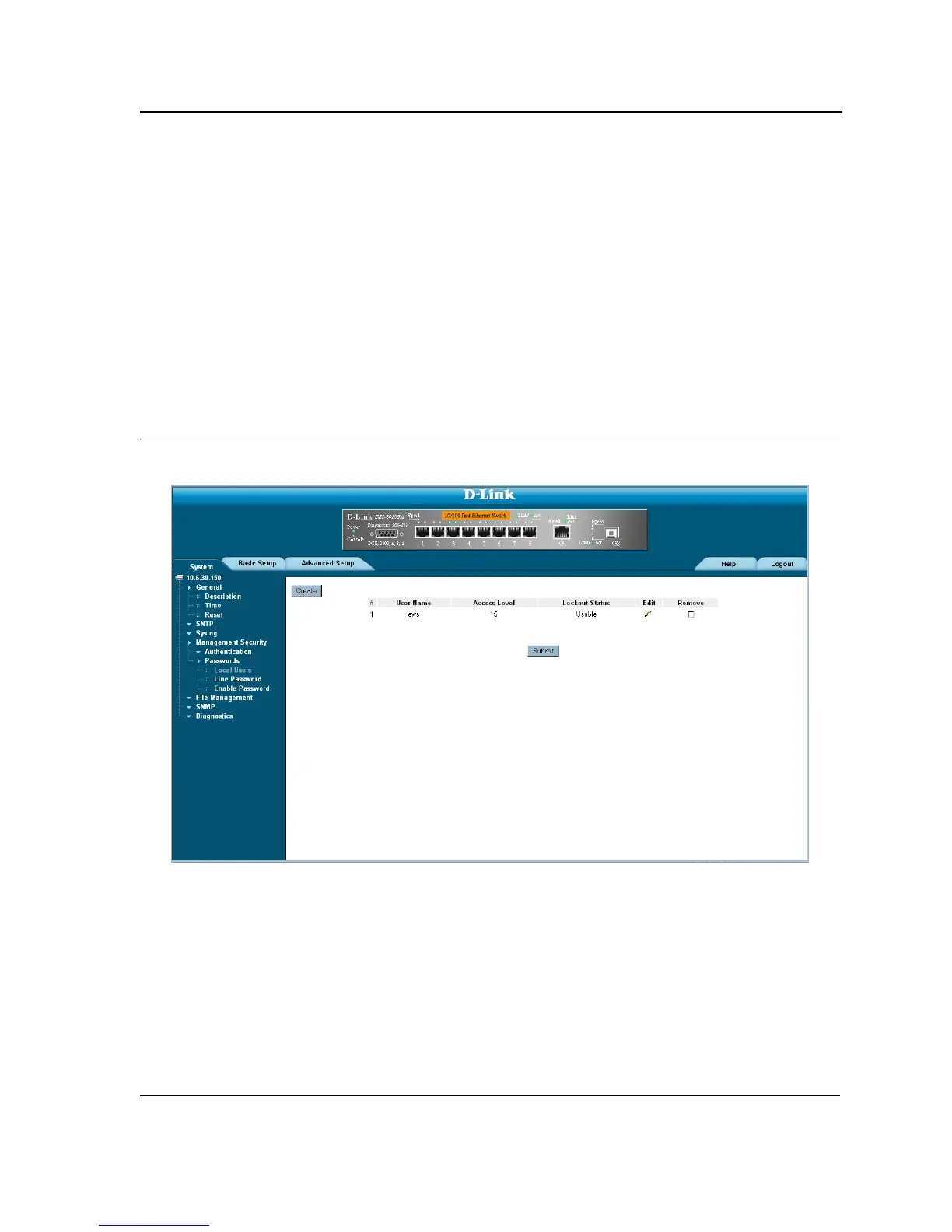
1. Click System > Management Security > Passwords > Local Users. The Local User Page opens:
Figure 37: Local User Page
The Local User Page contains the following fields:
• User Name — Displays the user name.
• Access Level — Displays the user access level. The lowest user access level is 1 and the highest is 15.
Users with access level 15 are Privileged Users, and only they can access and use the OpenManage Switch
Administrator.
• Lockout Status— Displays the user acces status.
• Remove — Removes the user from the User Name list. The possible field values are:
– Checked — Removes the selected local user.













 To Next Page