D-Link DES-3010FA/GA User Guide
Page 132
Defining DNS Host Mapping
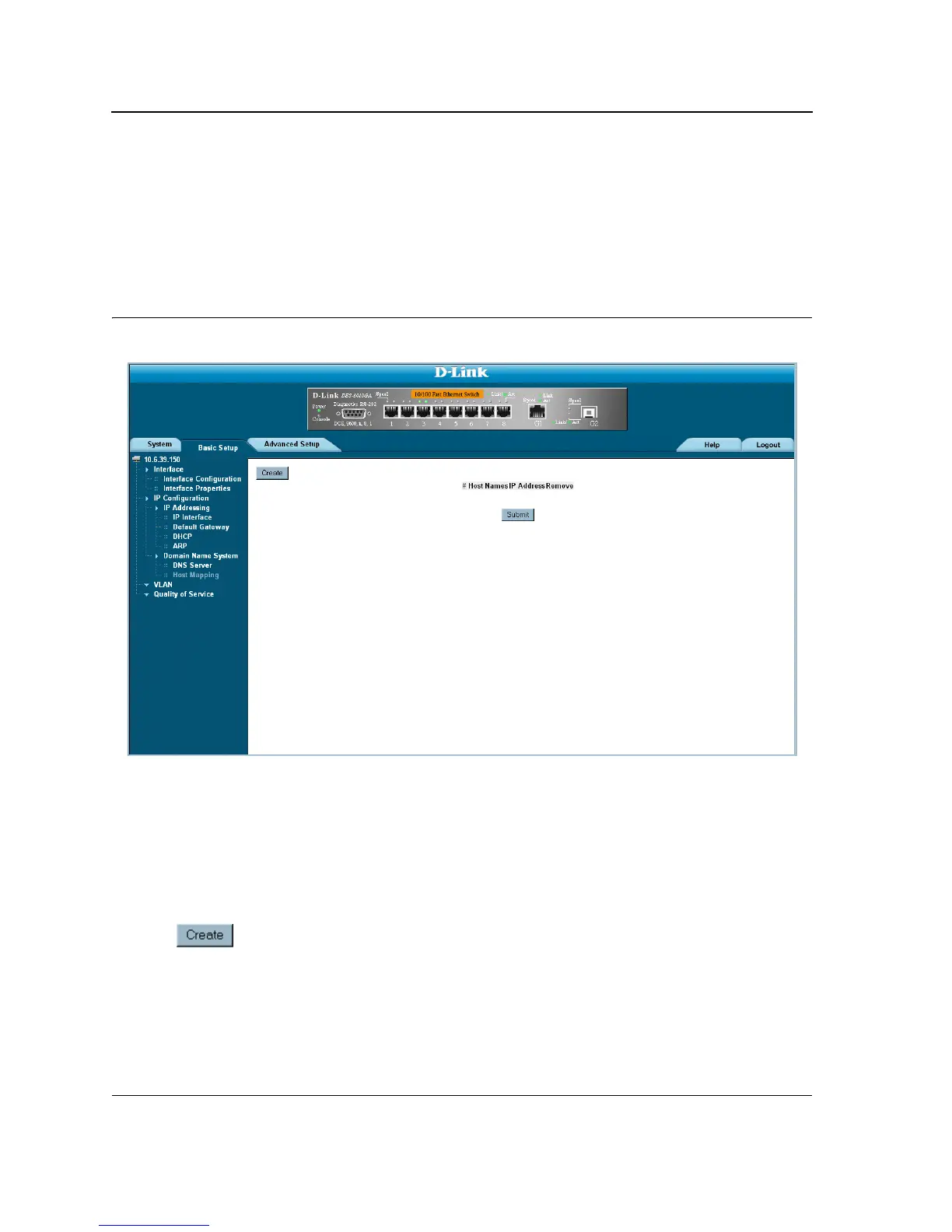
The DNS Host Mapping Page provides information for defining default DNS domain names. To define DNS
host mapping:
1. Click
Basic Setup > IP Configuration > Domain Name System > Host Mapping
. The
DNS Host
Mapping Page
opens:
Figure 80: DNS Host Mapping Page
The DNS Host Mapping Page contains the following fields:
• Host Names — Displays a user-defined default domain name. When defined, the default domain name is
applied to all unqualified host names. The Host Name field can contain up to 158 characters.
• IP Address — Displays the DNS host D-Link IP address.
• Remove — Removes default domain names. The possible field values are:
– Checked — Removes the selected DNS host.
– Unchecked — Maintains the current DNS host mapping list.
2. Click . The Add DNS Host Page opens:













 To Next Page