Configuring Ports
Page 97
Section 7. Configuring Ports
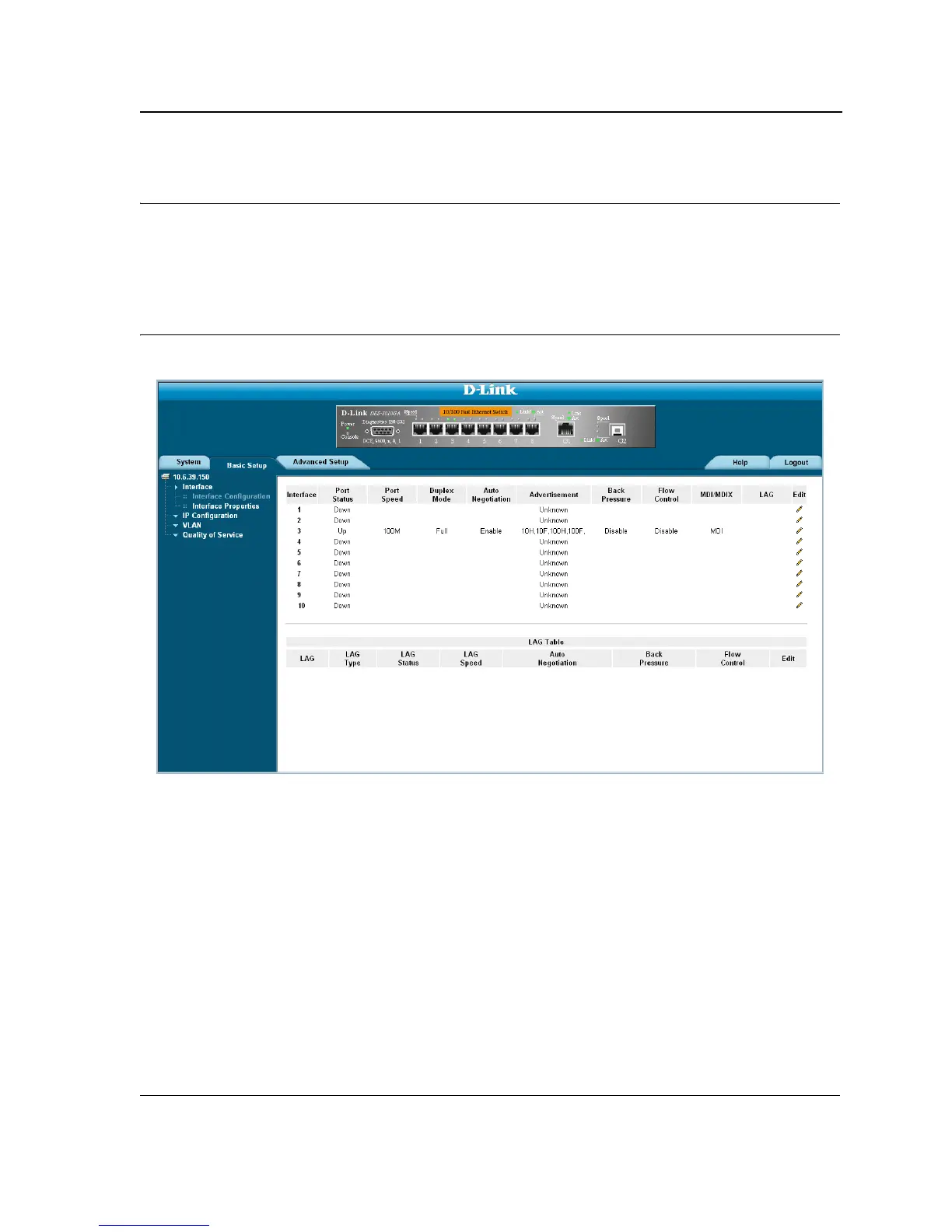
The Interface Configuration Page contains fields for defining port parameters. To define port parameters:
1. Click Basic Setup > Interface > Interface Configuration. The Interface Configuration Page opens.
Figure 51: Interface Configuration Page
The Interface Configuration Page is divided into the following sections:
• Interface Configuration ports table
• Interface Configuration LAG table
The Interface Configuration ports table contains the following fields:
• Interface — Displays the port number.
• Port Status — Indicates whether the port is currently operational or non-operational. The possible field val-
ues are:
– Up — Indicates the port is currently operating.
– Down — Indicates the port is currently not operating.
• Port Speed — Displays the configured rate for the port. The port type determines what speed setting options
are available. Port speeds can only be configured when auto negotiation is disabled. The possible field values
are:
– 10 — Indicates the port is currently operating at 10 Mbps.













 To Next Page