Getting Started
Understanding the D-Link Embedded Web Interface
Page 53
Device Representation
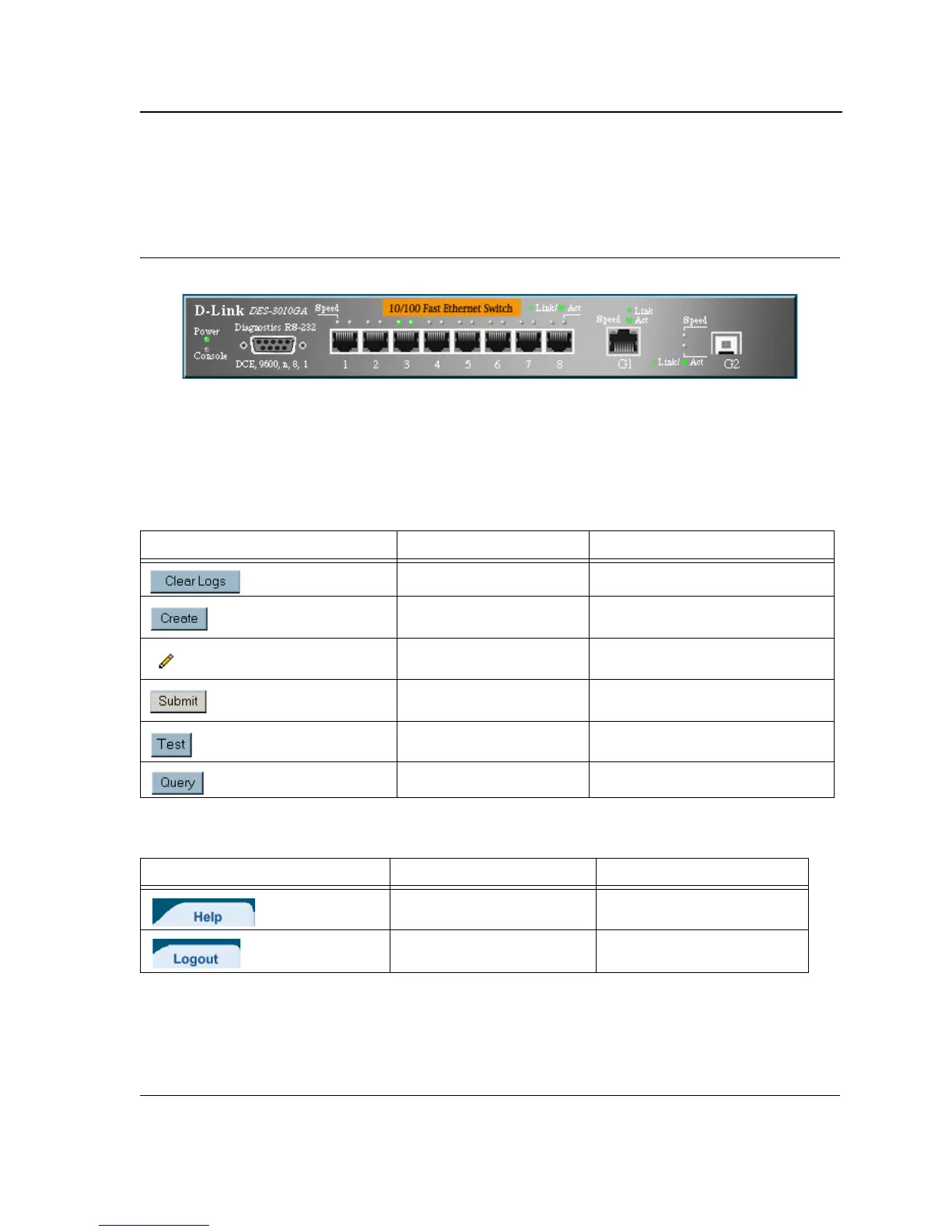
The D-Link Embedded Web Interface Home Page contains a graphical panel representation of the device.
Figure 18: Device Representation
Using the D-Link Embedded Web Interface Management Buttons
Configuration Management buttons and icons provide an easy method of configuring device information, and
include the following:
Table 12: D-Link Web Interface Configuration Buttons
Button Button Name Description
Clear Logs Clears system logs.
Create
Enables creation of configuration
entries.
Edit Modifies configuration settings.
Submit
Saves configuration changes to the
device.
Test Performs cable tests.
Query Queries the device table.
Table 13: D-Link Web Interface Information Tabs
Tab Tab Name Description
Help Opens the online help.
Logout Opens the Logout page.













 To Next Page