Getting Started
Using Screen and Table Options
Page 55
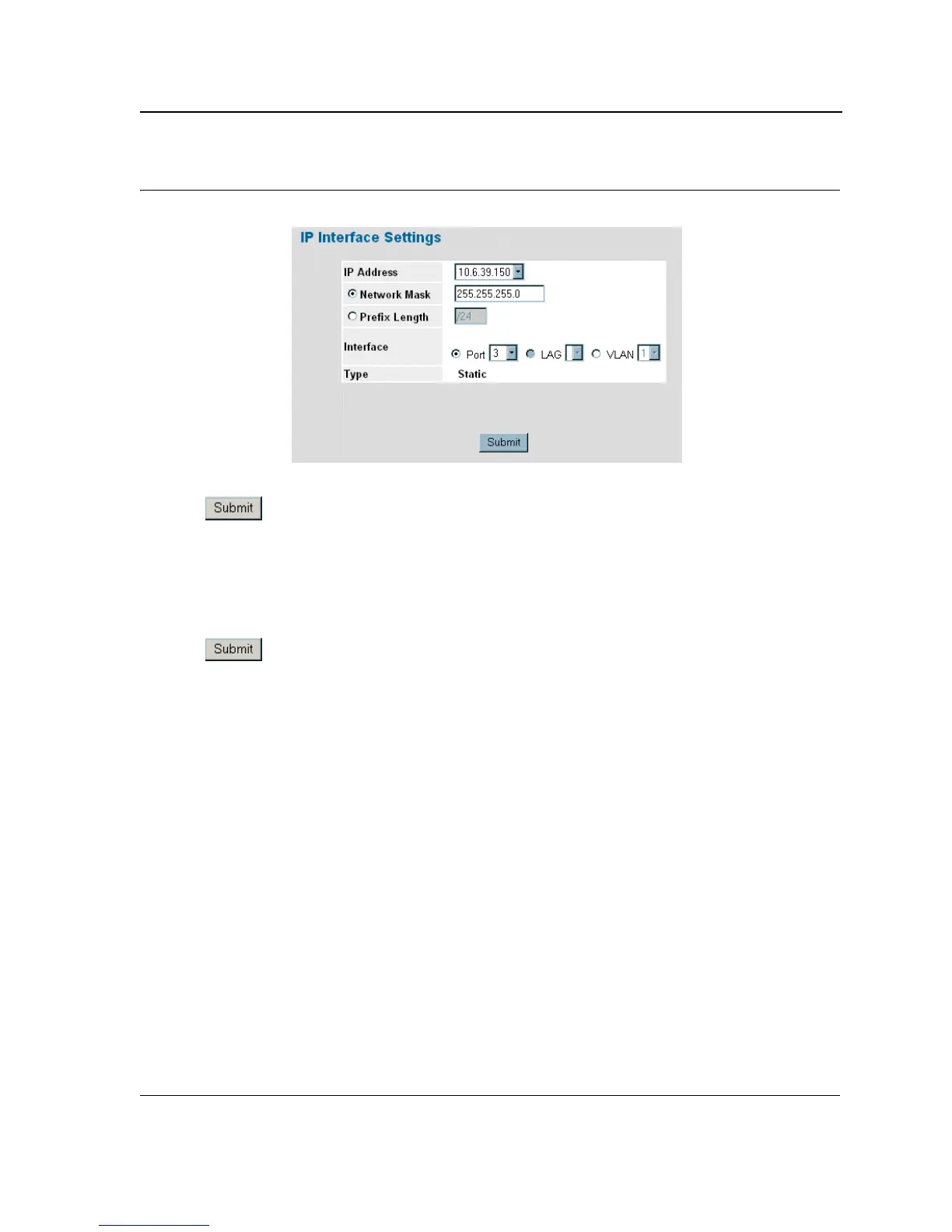
Figure 20: IP Interface Settings Page
4. Modify the fields as required.
5. Click . The fields are modified, and the information is saved to the device.
Deleting Configuration Information
1. Open The D-Link Embedded Web Interface page.
2. Select a table row.
3. Select the Remove checkbox.
4. Click . The information is deleted, and the device is updated.













 To Next Page