D-Link DES-3010FA/GA User Guide
Page 82
Defining Enable Passwords
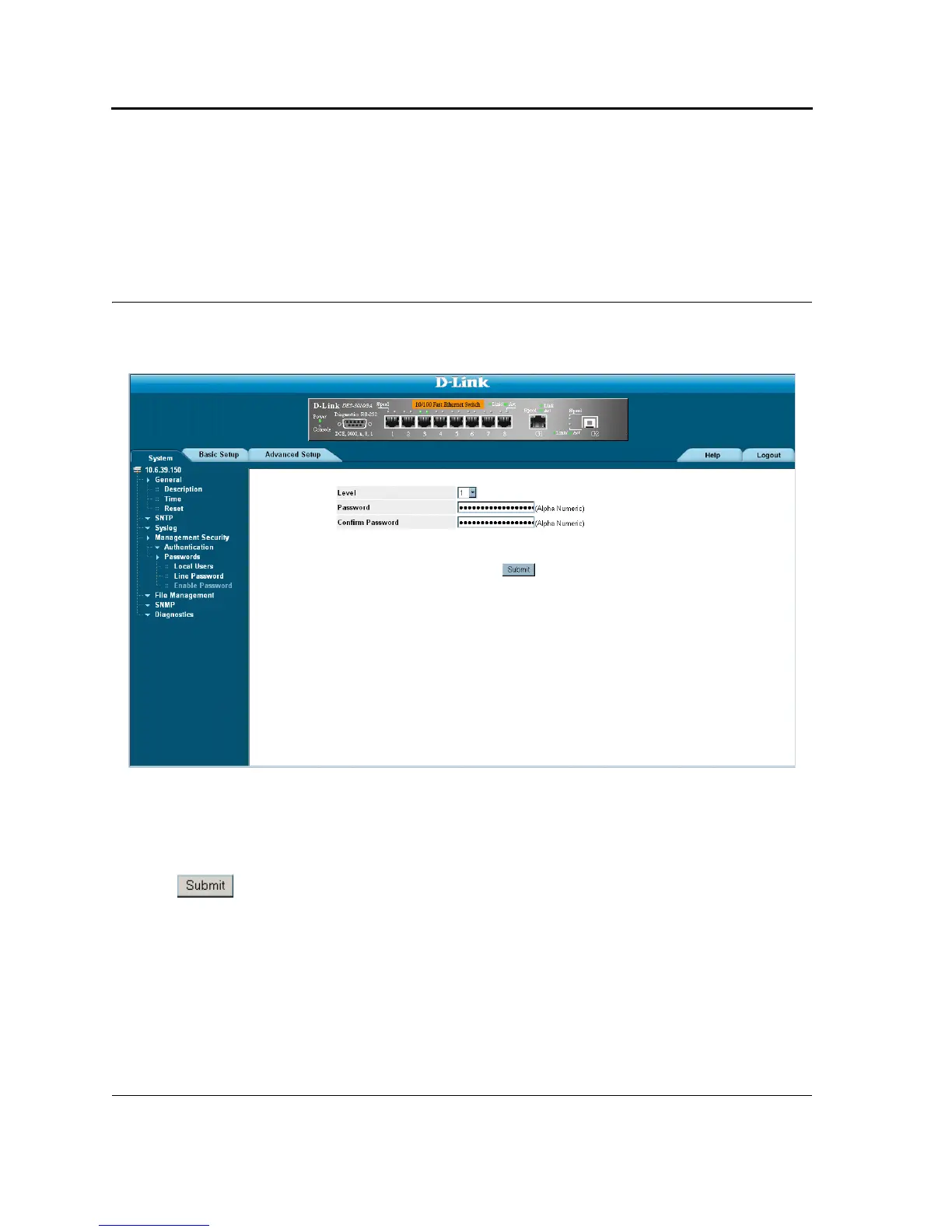
The Enable Password Page sets a local password for a particular access level. To enable passwords:
1. Click System > Management Security > Passwords > Enable Password. The Enable Password Page
opens:
Figure 40: Enable Password Page
The Enable Password Page contains the following fields:
• Level — Defines the access level associated with the enable password. Possible field values are 1-15.
• Password — Defines the enable password.
• Confirm Password — Confirms the new enable password. The password appears in the ***** format.
2. Define the Select Enable Access Level, Password, and Confirm Password fields.
3. Click . The enable password is defined, and the device is updated.













 To Next Page