Configuring Device Security
Configuring Network Security
Page 91
Defining Authentication Hosts
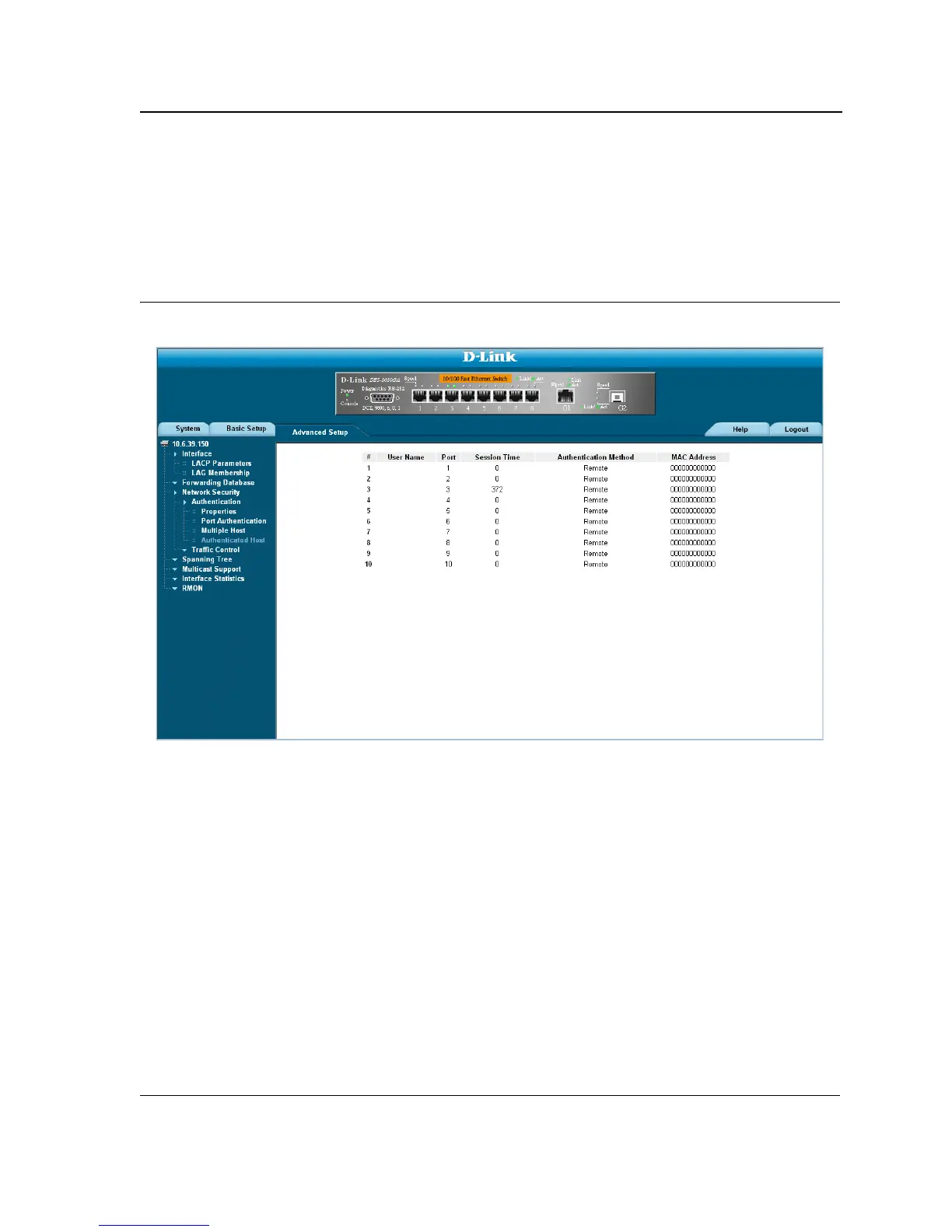
The Authenticated Host Page contains a list of authenticated users. To define authenticated users:
1. Click Advanced Setup > Network Security > Authentication > Authenticated Host. The Authenticated
Host Page opens:
Figure 46: Authenticated Host Page
The Authenticated Host Page contains the following fields:
• User Name — Lists the supplicants that were authenticated, and are permitted on each port.
• Port — Displays the port number.
• Session Time — Displays the amount of time (in seconds) the supplicant was logged on the port.
• Authentication Method — Displays the method by which the last session was authenticated. The possible
field values are:
– Remote — 802.1x authentication is not used on this port (port is forced-authorized).
– None — The supplicant was not authenticated.
– RADIUS — The supplicant was authenticated by a RADIUS server.
• MAC Address — Displays the supplicant MAC address.













 To Next Page