D-Link DES-3010FA/GA User Guide
Page 240
• Jabbers — Displays the
total number of received packets that were longer than 1518 octets. This number
excludes frame bits, but includes FCS octets that had either a bad Frame Check Sequence (FCS) with an
integral number of octets (FCS Error) or a bad FCS with a non-integral octet (Alignment Error) number. The field
range to detect jabbers is between 20 ms and 150 ms.
• Collisions — Displays the number of collisions received on the interface since the device was last refreshed.
• Utilization — Displays the percentage of the interface utilized.
2. Select an entry in the History Entry field. The Statistics are displayed.
Configuring RMON Events
This section includes the following topics:
• Defining RMON Events Control
• Viewing the RMON Events Logs
Defining RMON Events Control
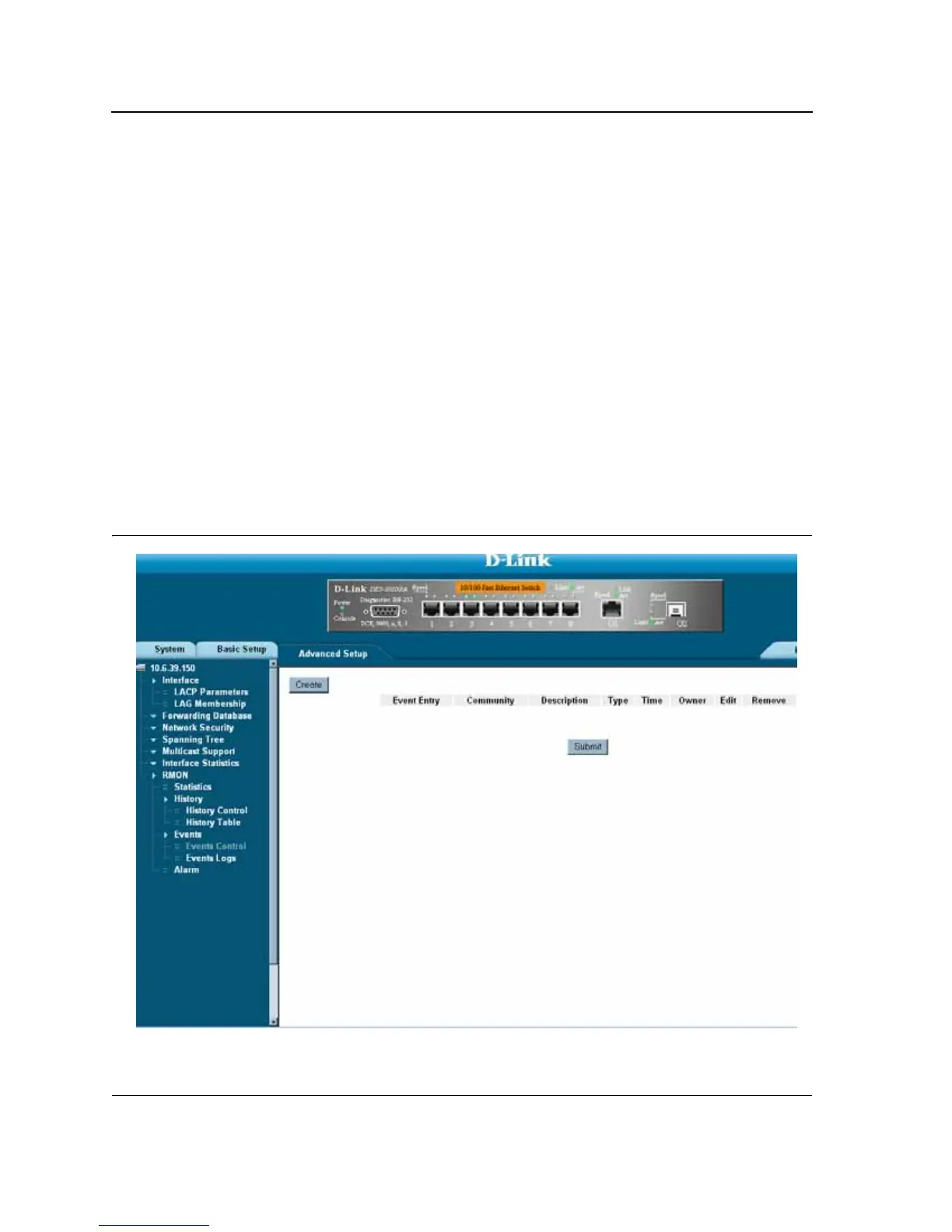
The RMON Events Control Page contains fields for defining RMON events. To view RMON events:
• Click Advanced Setup > RMON > Events > Events Control. The RMON Events Control Page opens.
Figure 154:RMON Events Control Page













 To Next Page