Configuring IP Information
Configuring IP Interfaces
Page 125
Configuring DHCP
The Dynamic Host Configuration Protocol (DHCP) assigns dynamic IP addresses to devices on a network. DHCP
ensures that network devices can have a different IP address every time the device connects to the network. To
define a DHCP Interface:
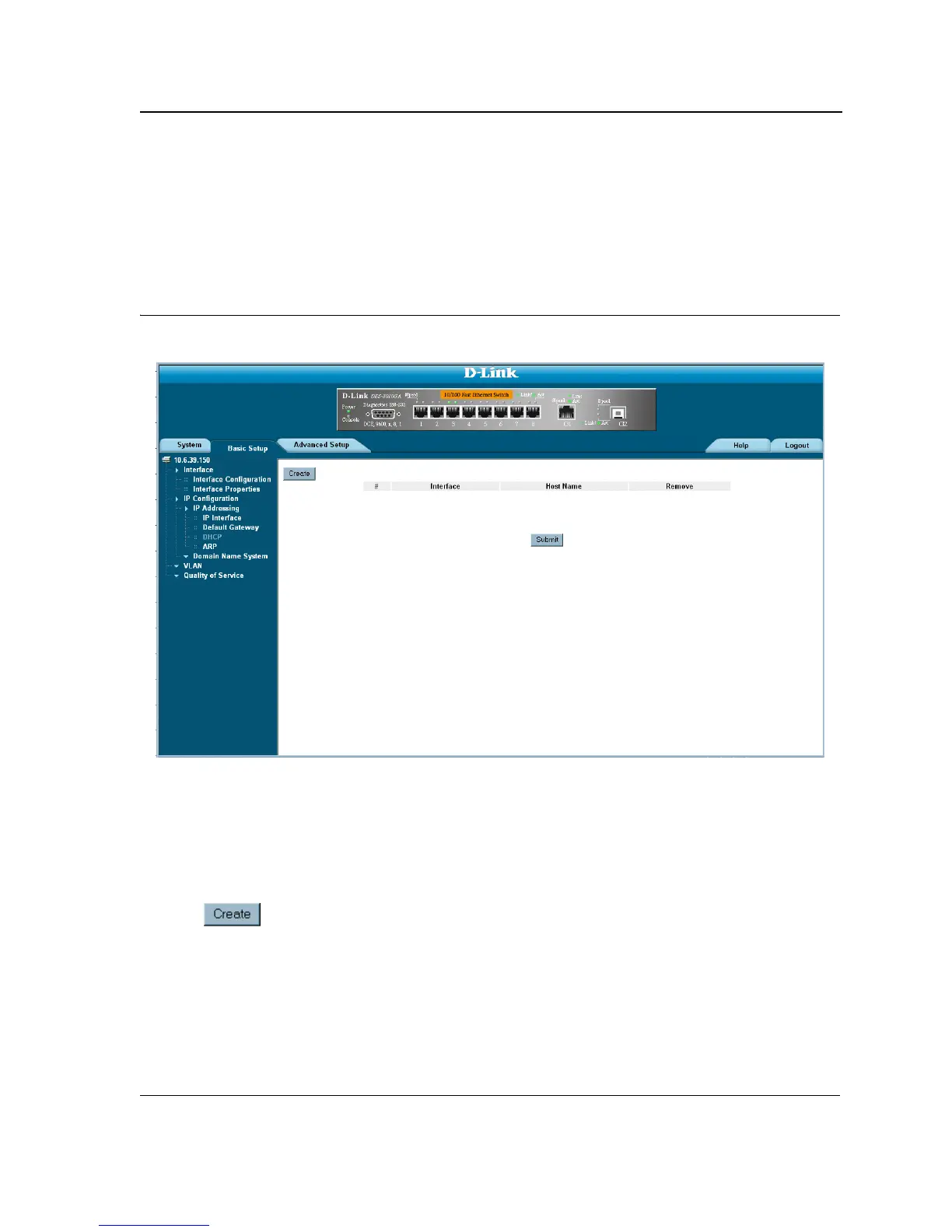
1. Click Basic Setup > IP Configuration > IP Addressing > DHCP. The DCHP Page opens:
Figure 74: DCHP Page
The DCHP Page contains the following fields:
• Interface — Displays
the interface D-Link IP address which is connected to the device.
• Host Name — Displays the system name.
• Remove — Removes DHCP interfaces. The possible field values are:
– Checked — Removes the selected DHCP interface.
– Unchecked — Maintains the DHCP interfaces.
2. Click . The Add DHCP IP Interface Page opens:













 To Next Page