D-Link DES-3010FA/GA User Guide
Page 204
Viewing the FLASH Logs
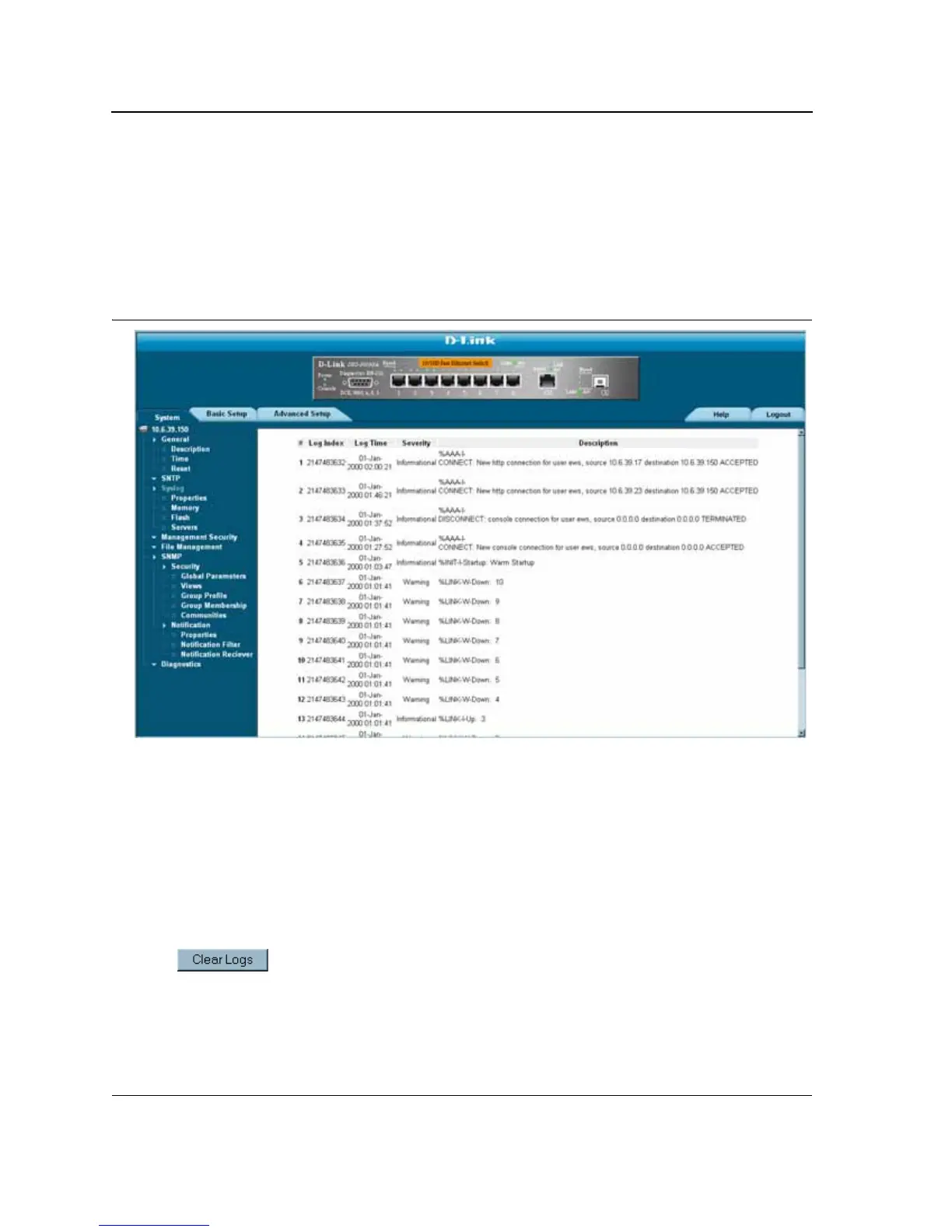
The Syslog Flash Page contains information about log entries saved to the log file in Flash, including the time the
log was generated, the log severity, and a description of the log message. The message log is available after
reboot. To view the message logs:
• Click System > Syslog > Flash. The Syslog Flash Page opens:
Figure 130:Syslog FLASH Page
The Syslog Flash Page contains the following fields:
• Log Index — Displays the log number.
• Log Time — Displays the time at which the log was generated.
• Severity — Displays the log severity.
• Description — Displays the log message text.
Clearing FLASH Logs
Message logs can be cleared from the Syslog Flash Page. To clear message logs:
1. Click System > Syslog > Flash. The Flash Page opens.
2. Click . The message logs are cleared.













 To Next Page