Aggregating Ports
Aggregating Ports
Page 103
Aggregating Ports
Link Aggregated Groups optimize port usage by linking a group of ports together to form a single aggregated
group. Link aggregated groups multiply the bandwidth between the devices, increase port flexibility, and provide
link redundancy.
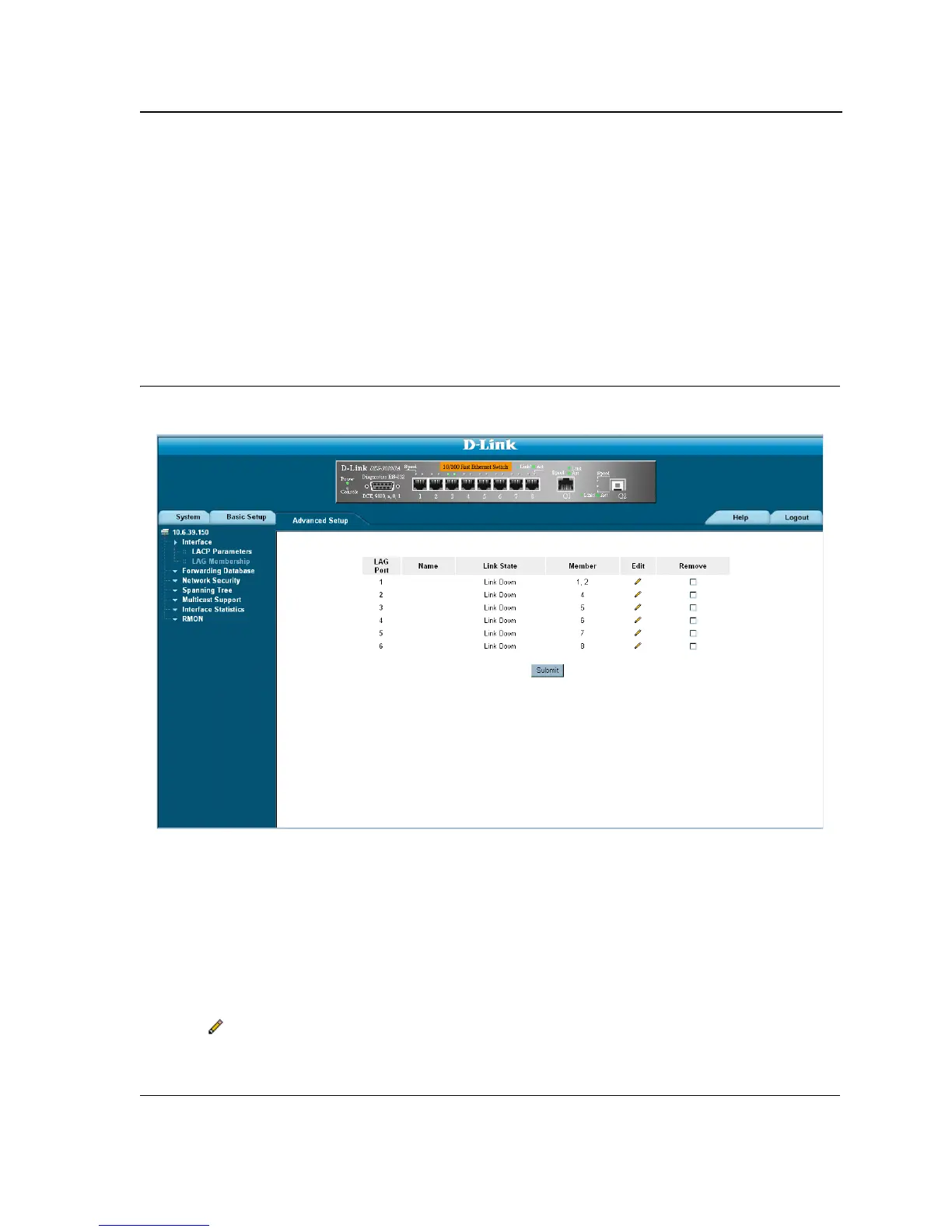
The LAG Membership Page contains fields for configuring parameters for configured LAGs. The device supports
up to eight ports per LAG, and eight LAGs per system.
To define LAG parameters:
1. Click Advanced Setup > Interface > LAG Membership. The LAG Membership Page opens.
Figure 55: LAG Membership Page
The LAG Membership Page contains the following fields:
• LAG Port — Displays the LAG number.
• Name — Displays the user-defined port name.
• Link State — Displays the link operational status.
• Member — Displays the ports configured to the LAG.
• Remove — Removes the LAG. The possible field values:
– Checked — Removes the selected LAG.
– Unchecked — Maintains the LAGs.
2. Click . The LAG Membership Settings Page opens:













 To Next Page