Managing System Files
Uploading System Files
Page 197
Uploading System Files
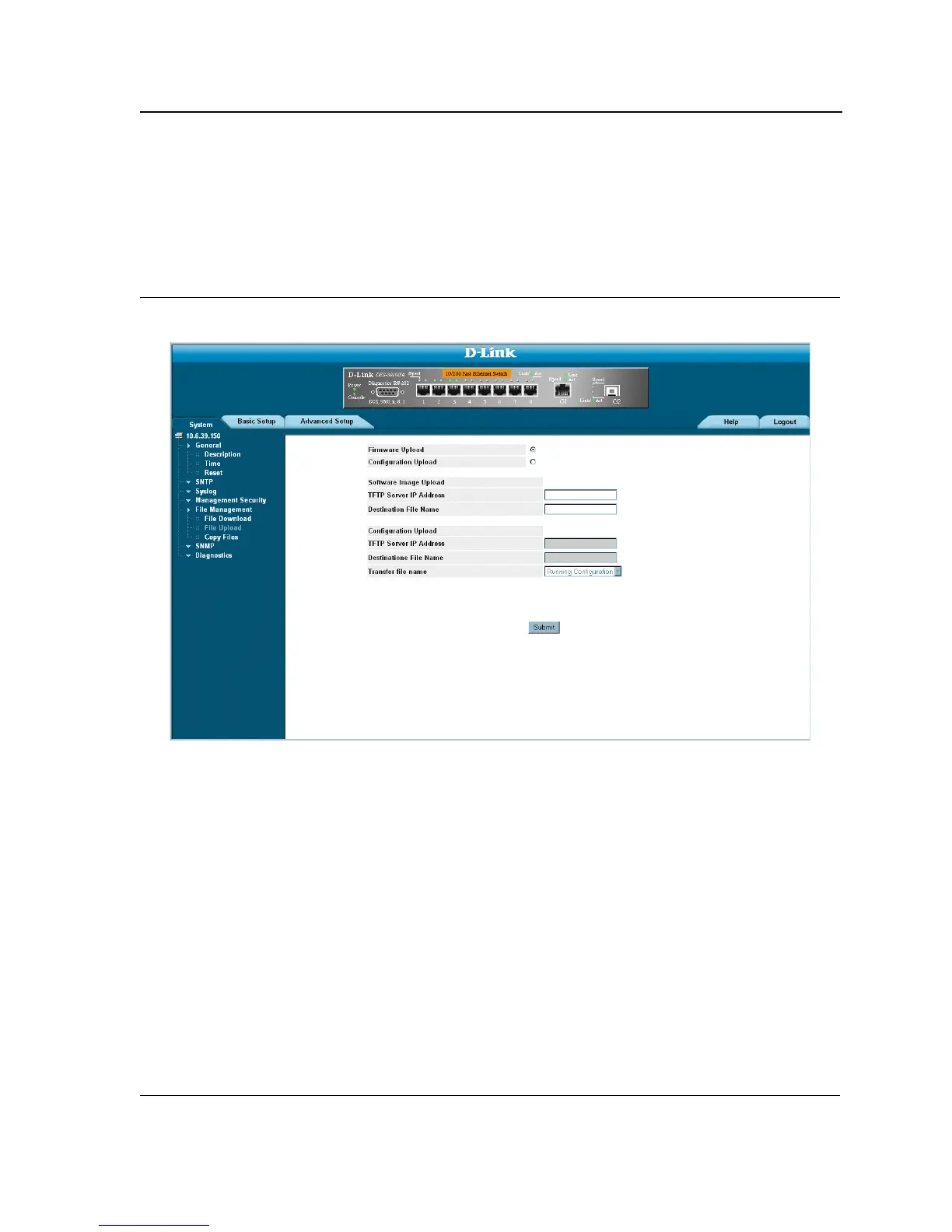
The File Upload Page contains fields for uploading the software from the device to the TFTP server. To upload a
system file:
1. Click System > File Management > File Upload. The File Upload page opens:
Figure 126:File Upload Page
The File Upload Page is divided into the following sections:
• Software Image Upload
• Configuration Upload
Upload Type
The Upload Type section contains the following fields:
• Firmware Upload — Specifies that the software image file is uploaded. If Firmware Upload is selected, the
Configuration Upload fields are grayed out.
• Configuration Upload — Specifies that the Configuration file is uploaded. If Configuration Upload is
selected, the Software Image Upload fields are grayed out.













 To Next Page