Managing System Files
Uploading System Files
Page 199
Copying Files
Files can be copied and deleted from the Copy Files Page. To copy files:
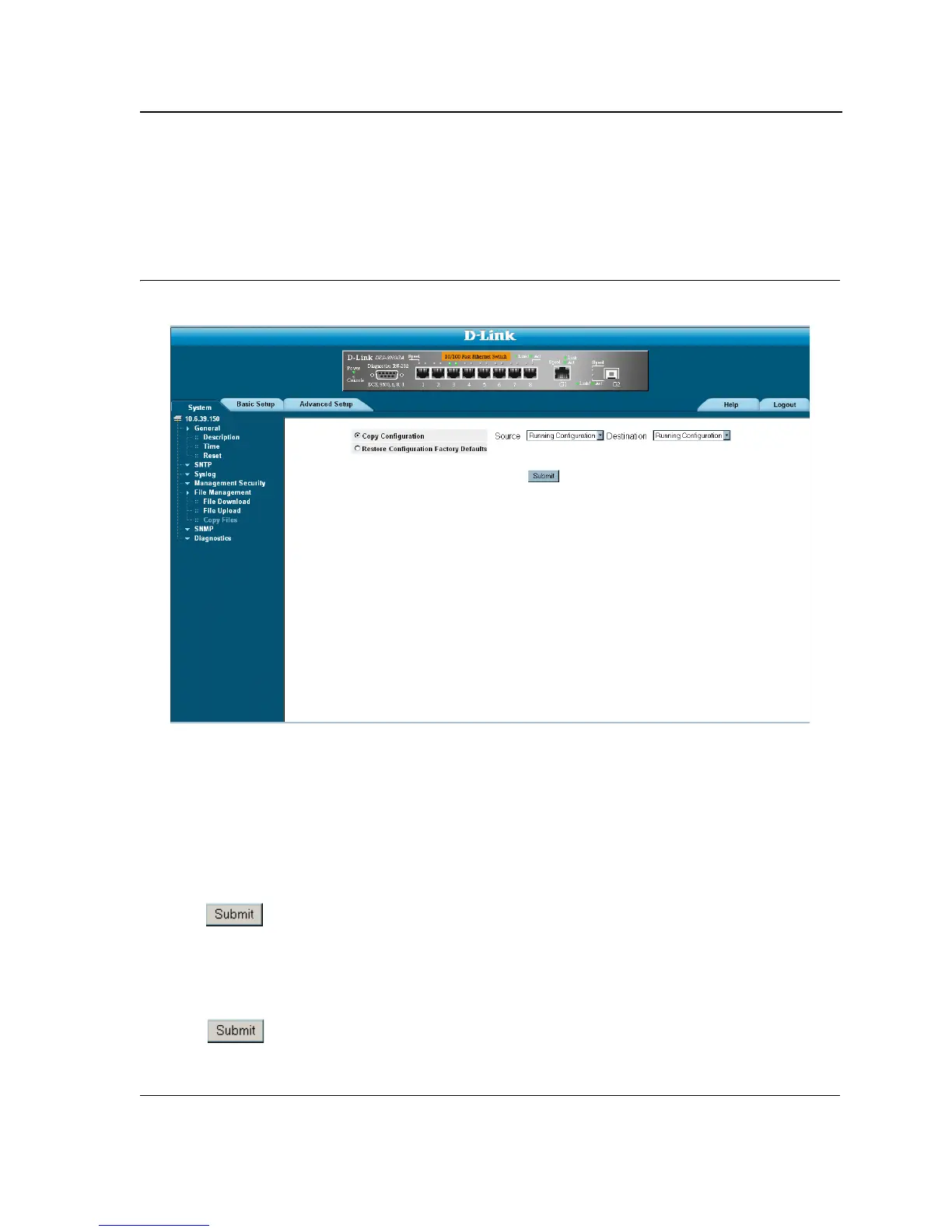
1. Click System > File Management > Copy Files. The Copy Files Page opens:
Figure 127:Copy Files Page
The Copy Files Page contains the following fields:
• Copy Configuration — Copies the Running Configuration file to the Startup Configuration file.
• Source — Indicates the Running Configuration file is selected.
• Destination — Indicates the Startup Configuration file is selected.
• Restore Configuration Factory Defaults — Resets the Configuration file to the factory defaults. The factory
defaults are reset after the device is reset.
When unselected, the device maintains the current Configu-
ration file.
2. Select Copy Configuration.
3. Click . The file is copied.
Restoring the Default Configuration File
1. Click System > File Management > Copy Files. The Copy Files Page opens.
2. Select Restore Configuration Factory Defaults.
3. Click . The factory defaults are restored, and the device is updated.













 To Next Page