Mounting Device
Installing the Device
Page 25
Installing the Device
The device can be installed on a flat surface or mounted in a rack. This section includes the following topics:
• Desktop or Shelf Installation
• Rack Installation
Desktop or Shelf Installation
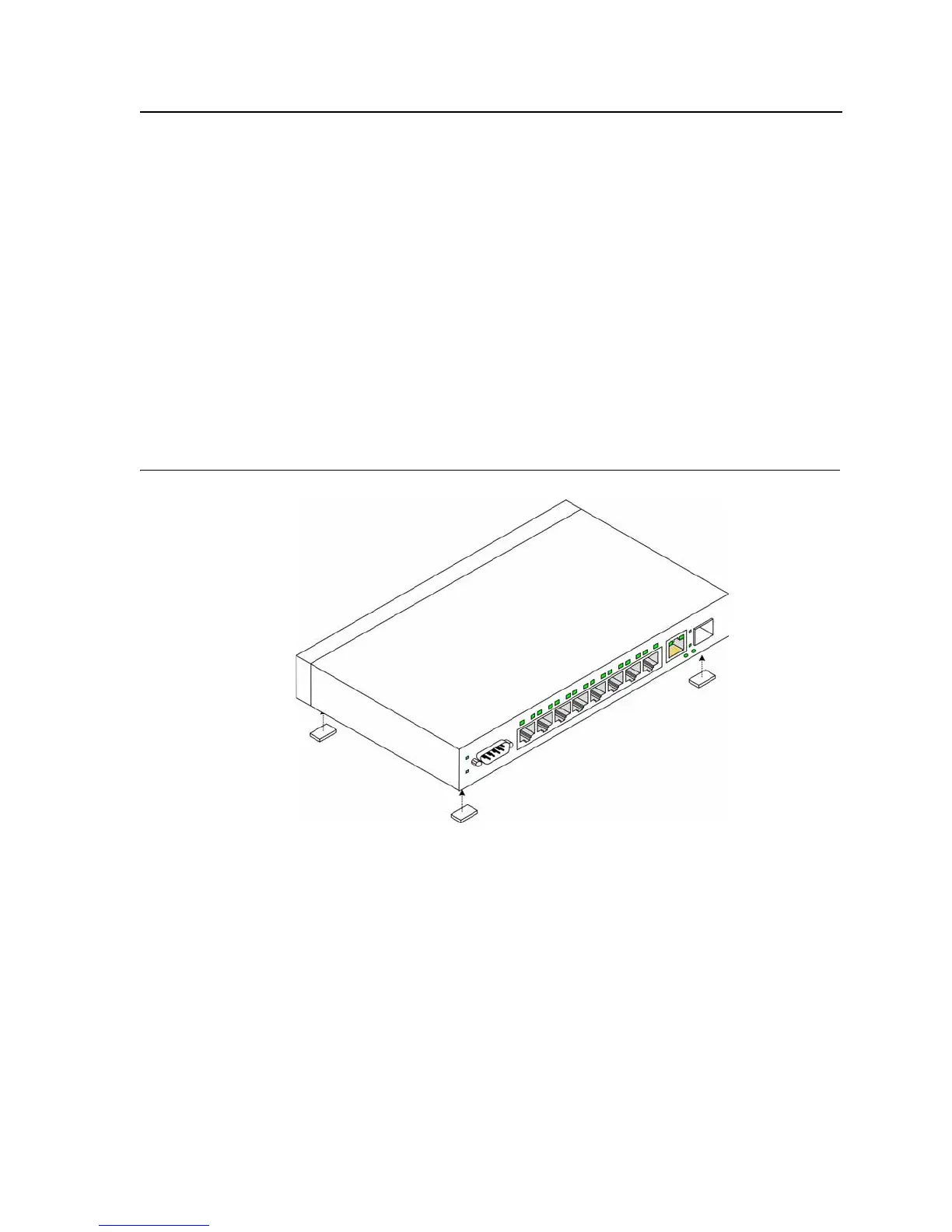
When installing the switch on a desktop or shelf, the rubber feet included with the device should first be attached.
Attach these cushioning feet on the bottom at each corner of the device.
Ensure the surface is be able to support the weight of the device and the device cables.
To install the device on a surface, perform the following:
1. Attach the rubber feet on the bottom of the device. The following figure illustrates the rubber feet installation
on the device.
Figure 10: Installing Rubber Feet
2. Set device down on a flat surface, while leaving 2 inches on each side and 5 inches at the back.
3. Ensure that the device has proper ventilation by allowing adequate space for ventilation between the device
and the objects around the device.
Rack Installation
The device can be mounted in an EIA standard-sized, 19-inch rack, which can be placed in a wiring closet with
other equipment. To install, the device the mounting brackets must first be attached on the devices’s sides.













 To Next Page