Configuring Quality of Service
Defining Bandwidth Settings
Page 187
Defining Bandwidth Settings
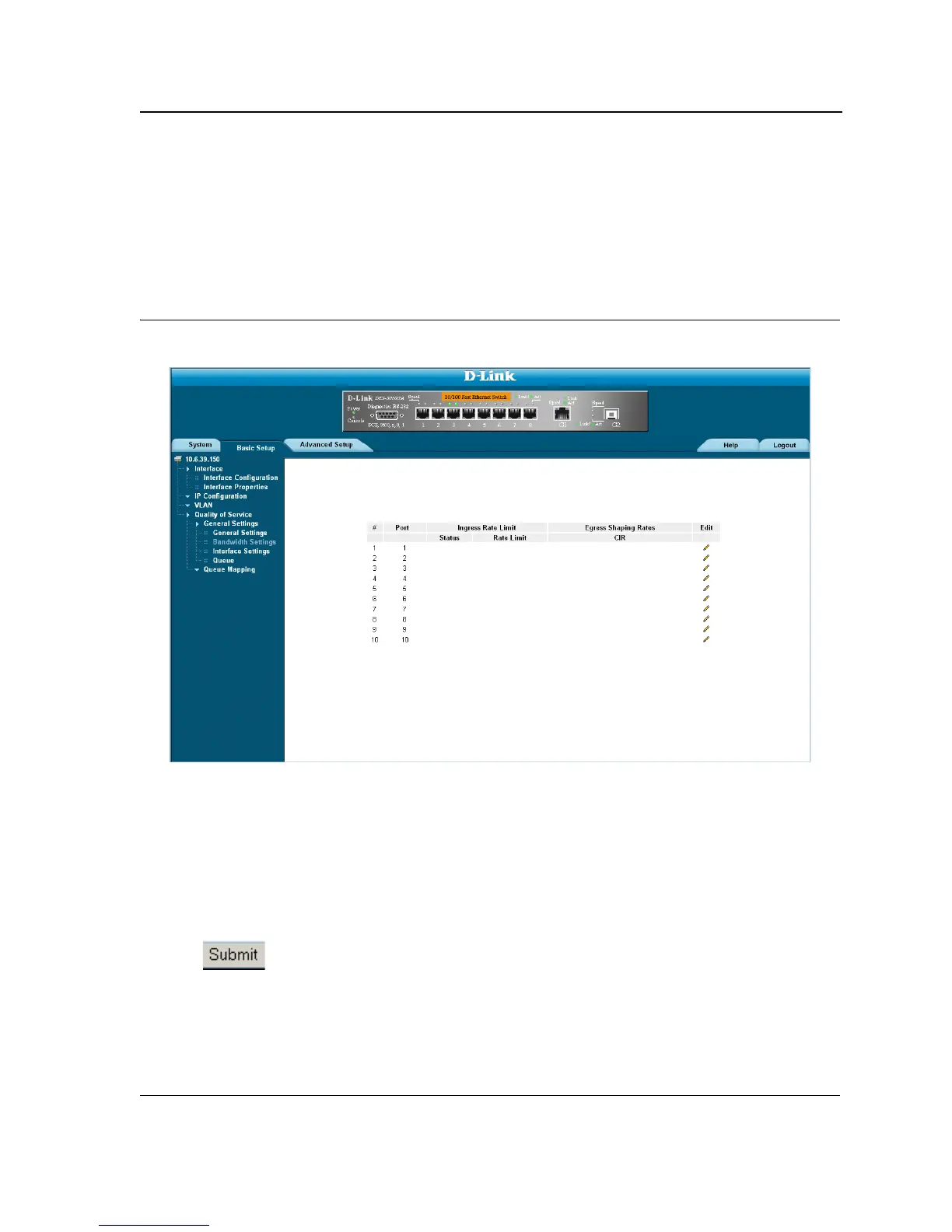
The Bandwidth Settings Page defines the bandwidth settings for a specified egress interface. Modifying queue
scheduling affects the queue settings globally. To define the bandwidth settings:
1. Click Basic Setup > Quality of Service > General Settings > Bandwidth Settings. The Bandwidth Settings
Page opens.
Figure 119:Bandwidth Settings Page
The Bandwidth Settings Page displays the following fields:
• Status — Indicates if rate limiting is enabled on the interface. The possible field values are:
– Enable — Indicates that rate limiting is enabled on the interface.
– Disable — Indicates that rate limiting is disabled on the interface.
• Rate Limit — Configures the rate to which traffic is limited. The range is 70 – 285,000 kbps.
• Committed Information Rate (CIR) — Defines the CIR rate. The possible field range is 4096-
1,000,000,000.
2. Define the fields.
3. Click . The bandwidth settings are defined, and the device is updated.













 To Next Page