Getting Started
Understanding the D-Link Embedded Web Interface
Page 51
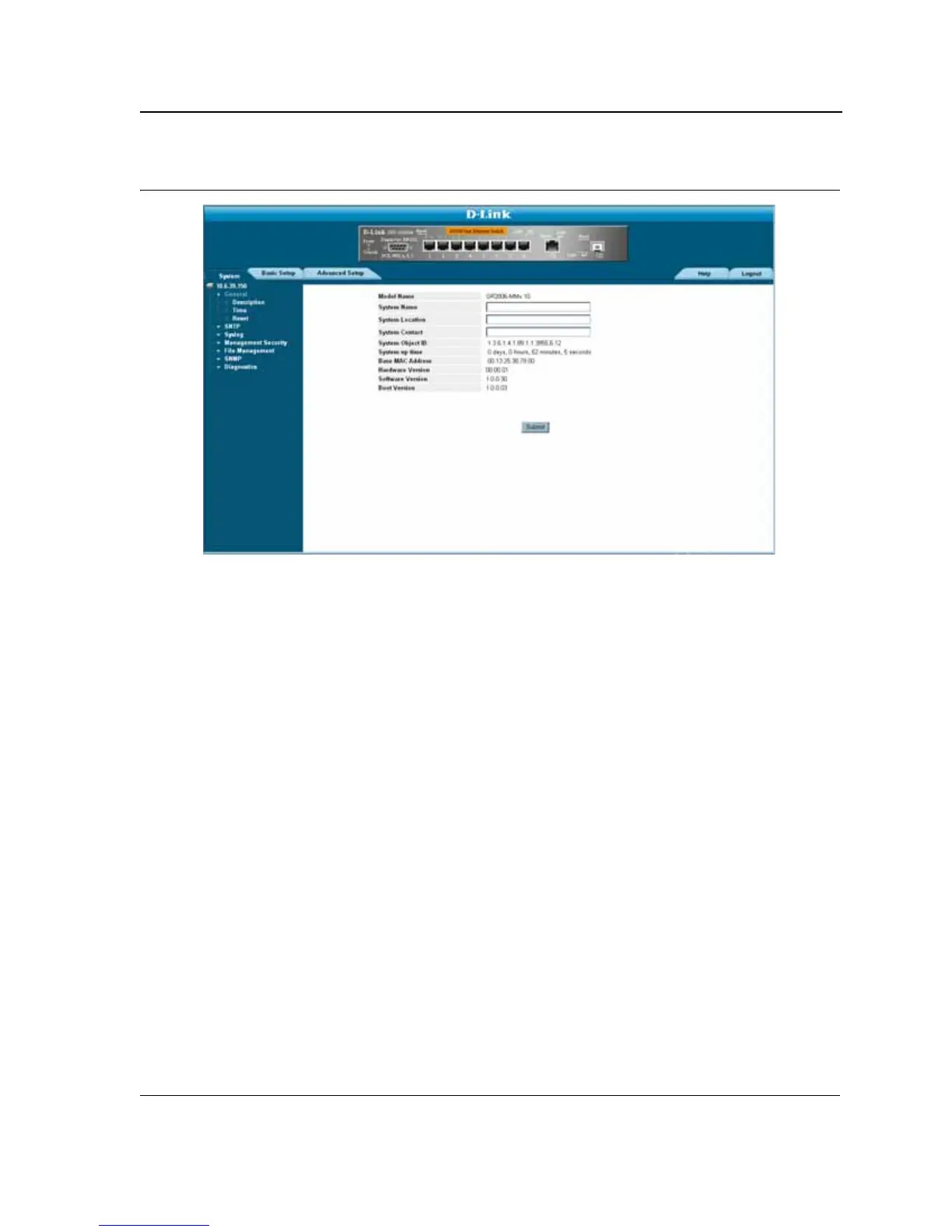
Figure 16: D-Link Embedded Web Interface Home Page
Understanding the D-Link Embedded Web Interface
The D-Link Embedded Web Interface Home Page contains the following views:
• Port LED Indicators — Located at the top of the home page, the port LED indicators provide a visual repre-
sentation of the ports on the D-Link front panel.
• Tab Area — Located under the LED indicators, the tab area contains a list of the device features and their
components.
• Device View — Located in the main part of the home page, the device view provides a view of the device, an
information or table area, and configuration instructions.













 To Next Page