D-Link DES-3010FA/GA User Guide
Page 100
Viewing Port Properties
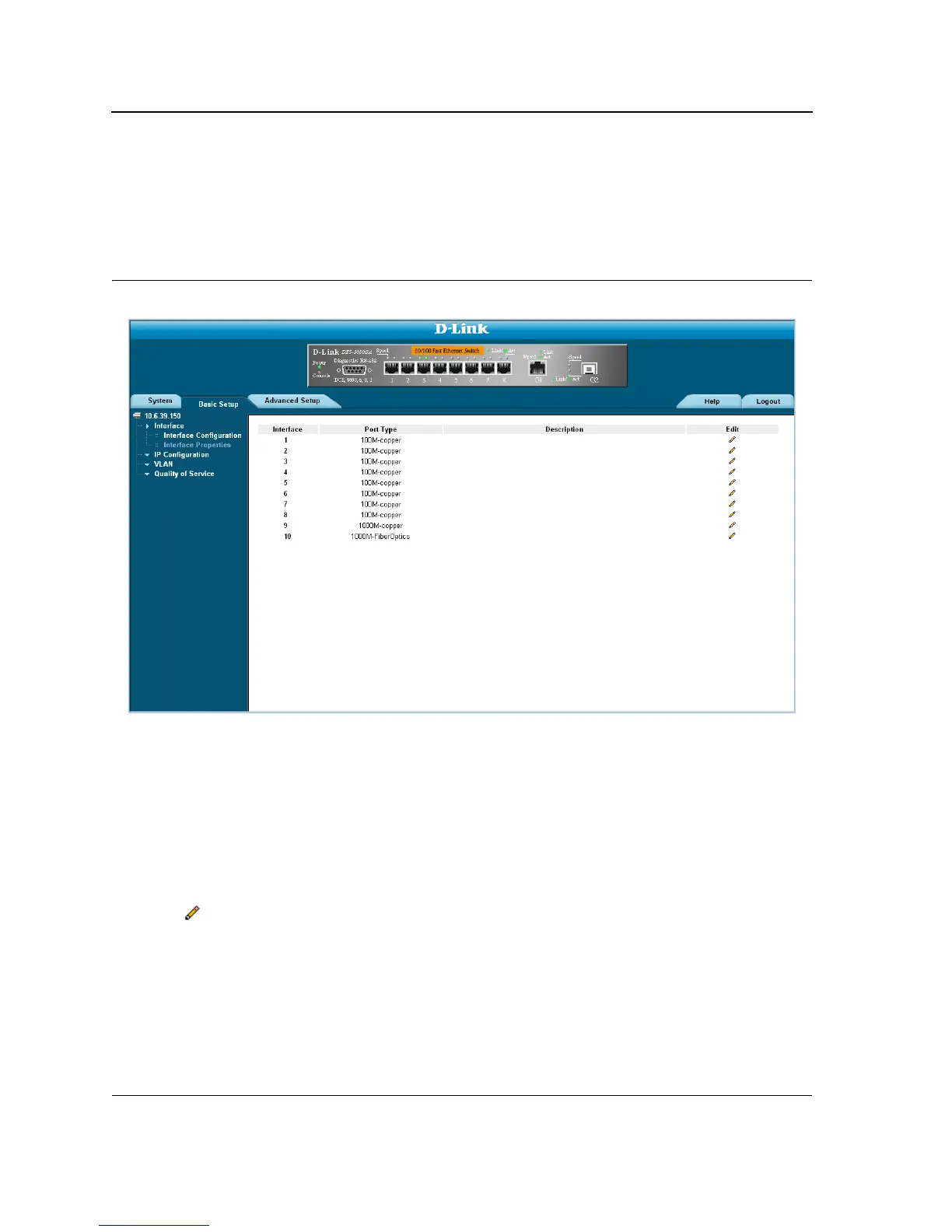
The Interface Properties Page contains fields for defining port parameters. To define port parameters:
1. Click Basic Setup > Interface > Interface Properties. The Interface Configuration Page opens.
Figure 53: Interface Properties Page
The Interface Properties Page is contains the following fields:
• Interface — Displays the port number.
• Port Type — Displays the port type. The possible field values are:
– Copper — Indicates the port has a copper port connection.
– Fiber — Indicates the port has a fiber optic port connection.
• Description - Provides a user-defined port description
To edit the port properties:
1. Click Basic Setup > Interface > Interface Properties. The Interface Configuration Page opens.
2. Click . The Interface Properties Page opens













 To Next Page