D-Link DES-3010FA/GA User Guide
Page 56
Resetting the Device
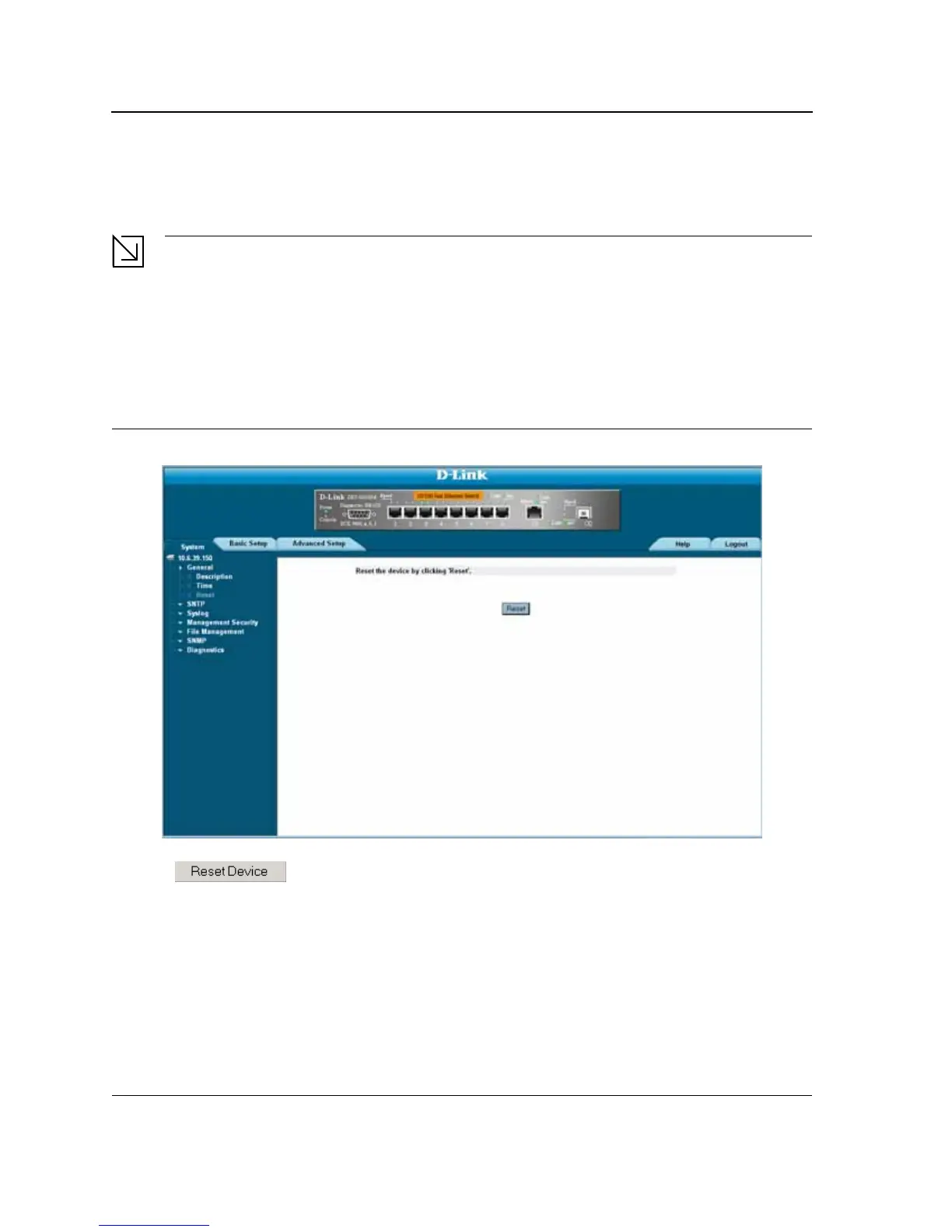
The Reset page enables the device to be reset from a remote location.
Note
To prevent the current configuration from being lost, save all changes from the running configuration file
to the startup configuration file before resetting the device. For instructions, see “Copying Files” on
page 199.
To reset the device:
1. Click System > General > Reset. The Reset page opens.
Figure 21: Reset Page
2. Click . A confirmation message is displayed.













 To Next Page