Viewing Statistics
Managing RMON Statistics
Page 237
• Current No. of Samples in List — Displays the current number of samples taken.
• Owner — Displays the RMON station or user that requested the RMON information. The field range is 0-20
characters.
• Remove — Removes History Control entries. The possible field values are:
– Checked — Removes the selected History Control entry.
– Unchecked — Maintains the current History Control entries.
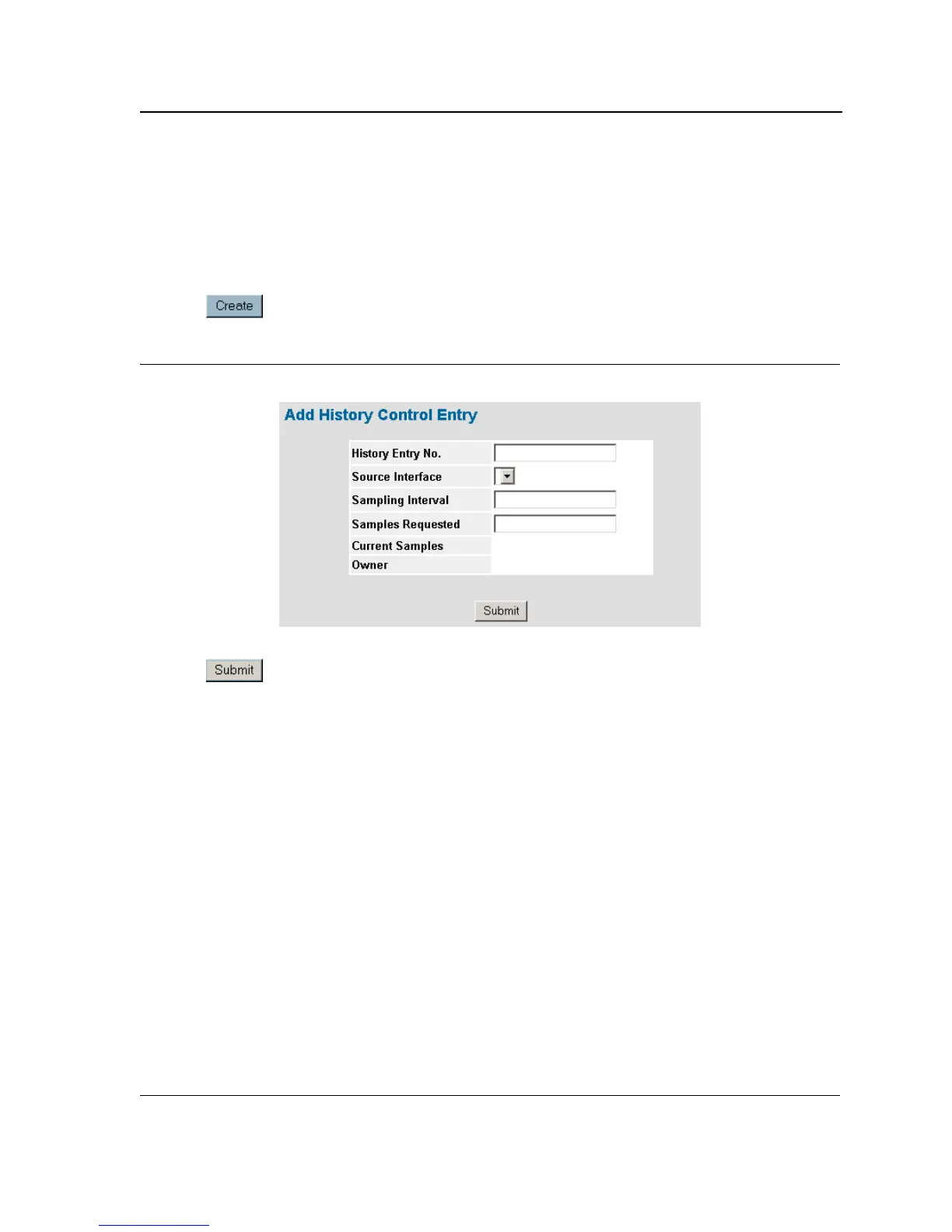
2. Click . The RMON History Control Settings Page opens:
Figure 152:RMON History Control Settings Page
3. Complete the History Entry No., Source Interface, Owner, Samples Requested, and Current Sampling fields.
4. Click . The entry is added to the RMON History Control Page, and the device is updated.













 To Next Page