D-Link DES-3010FA/GA User Guide
Page 94
• Action — The action to be applied to packets arriving on a locked port. The possible field values are:
– Forward — Forwards packets from an unknown source without learning the MAC address.
– Discard — Discards packets from any unlearned source. This is the default value.
– Shutdown — Discards packets from any unlearned source and shuts down the port. The port remains
shut down until reactivated, or until the device is reset.
• Trap — Enables traps when a packet is received on a locked port. The possible field values are:
– Checked — Enables traps.
– Unchecked — Disables traps.
• Trap Frequency (Sec) — The amount of time (in seconds) between traps. The default value is 10 seconds.
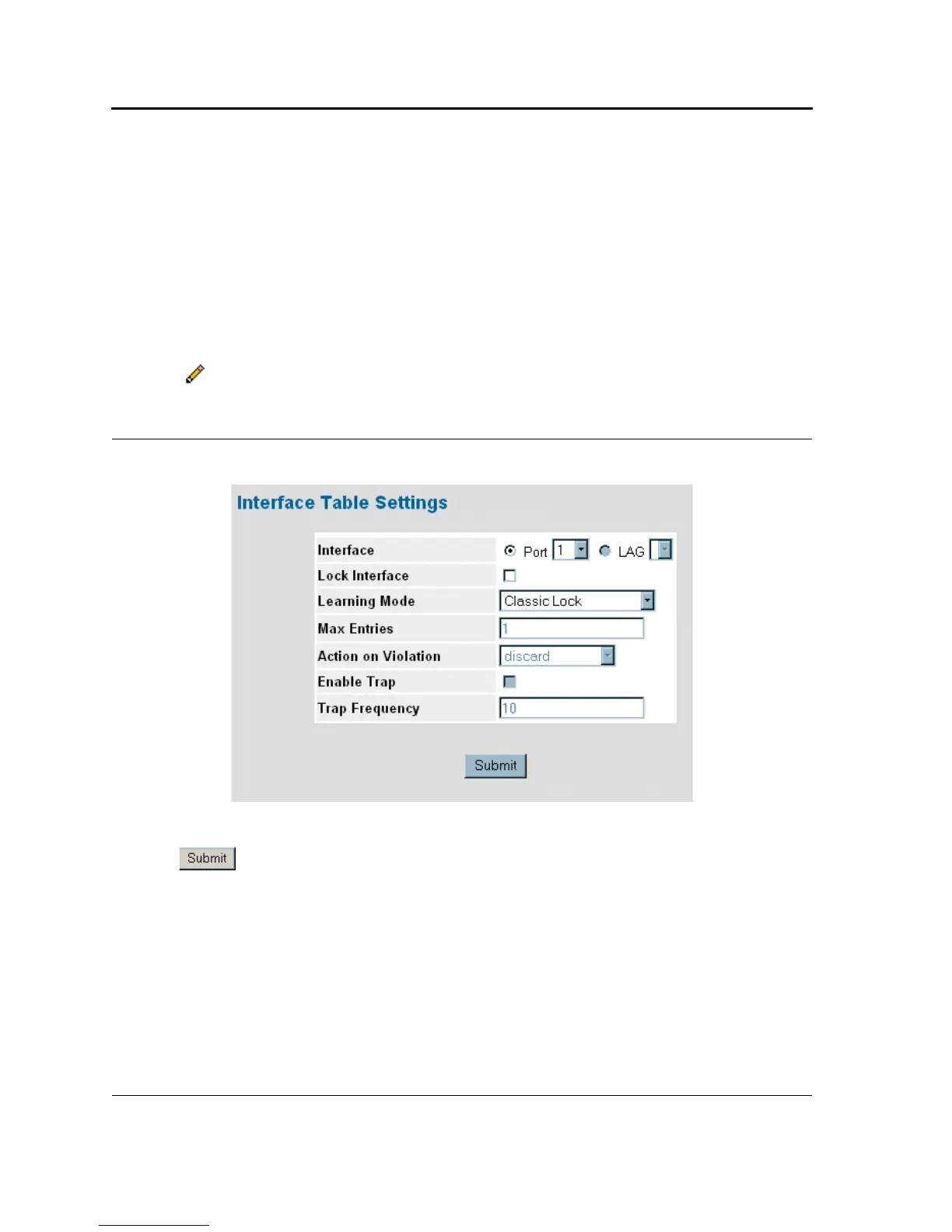
2. Click . The Port Security Settings Page opens:
Figure 48: Port Security Settings Page
3. Modify the Interface, Lock Interface, Action on Violation, Enable Trap, Port Status, and Trap Frequency fields.
4. Click . The port security settings are defined, and the device is updated.













 To Next Page