Web Interface
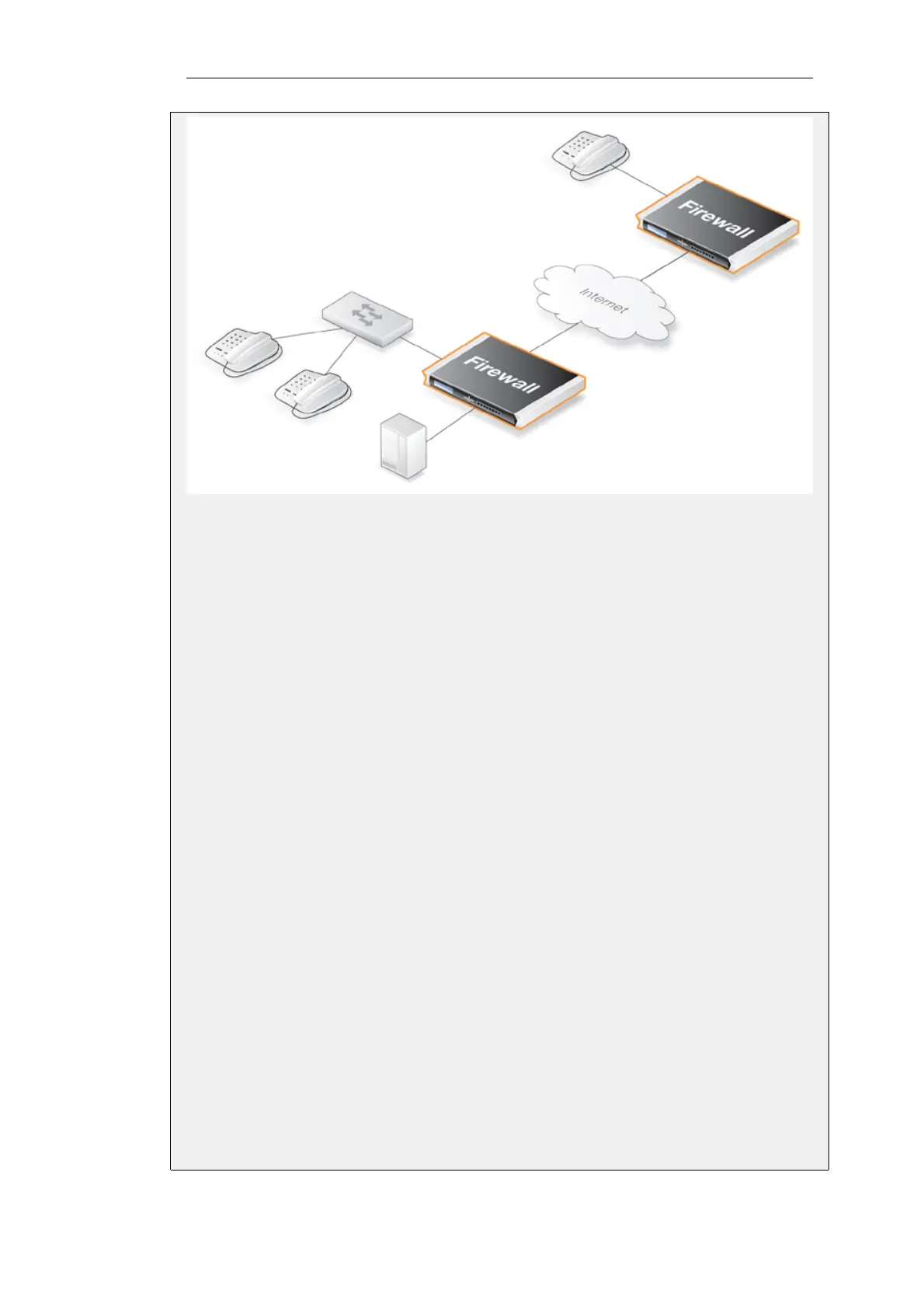
Create a new H.323 ALG object:
1. Go to: Objects > ALG > Add > H.323 ALG
2. Specify a name for the ALG, in this case my_h323_alg
3. Click OK
Create a custom Service object for the H.323 gatekeeper:
1. Go to: Objects > Services > Add > TCP/UDP
2. Now enter:
• Name: my_h323_gatekeeper_service
• Type: UDP
• ALG: my_h323_alg
• Destination port: 1719
3. Click OK
Create an IP rule allowing outgoing gatekeeper traffic from lannet to be NATed to the Internet :
1. Go to: Policies > Firewalling > Main IP Rules > Add > IP Rule
2. Now enter:
• Name: H323Out
• Action: NAT
Chapter 6: Security Mechanisms
494


 To Next Page