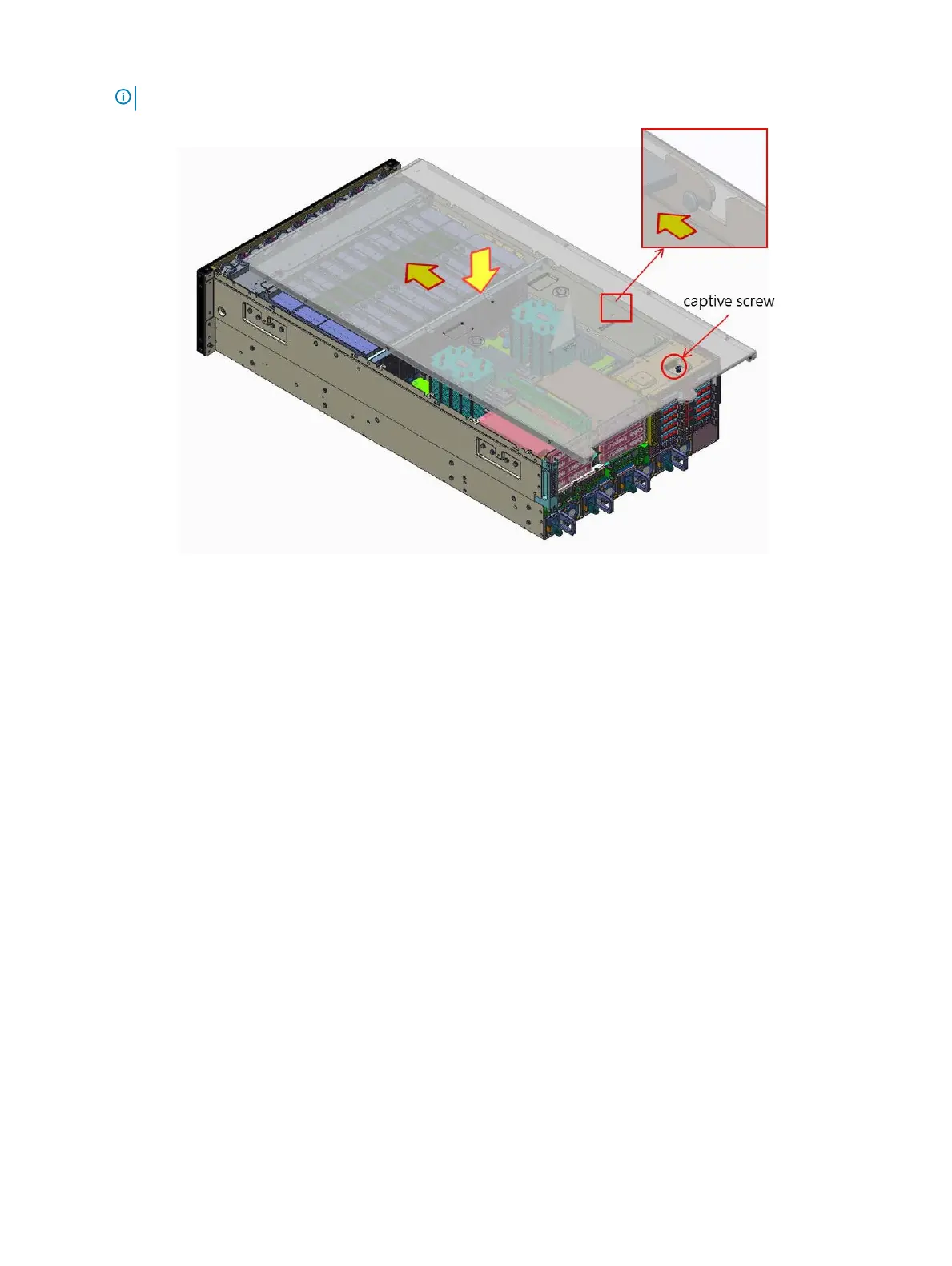
NOTE: The captive screw must be tightened with a screwdriver after the top chassis is closed.
Figure 10. Installing the system cover
Next steps
1 Reconnect the peripherals, and connect the system to the electrical outlet.
2 Power on the system and all attached peripherals.
Front bezel
Removing the front bezel
Prerequisites
1 Follow the safety guidelines listed in Safety instructions.
2 Follow the procedure listed in Before working inside your system.
3 Remove the system cover.
Steps
1 Remove the screws that secures the front bezel to the fan cage.
44
Installing and removing system components















 To Next Page