Installing a power supply unit
Prerequisites
1 Follow the safety guidelines listed in safety instructions.
2 For systems that support redundant PSU, ensure that all the PSUs are of the same type and have the same maximum output power.
NOTE: The maximum output power (shown in watts) is listed on the PSU label.
Step
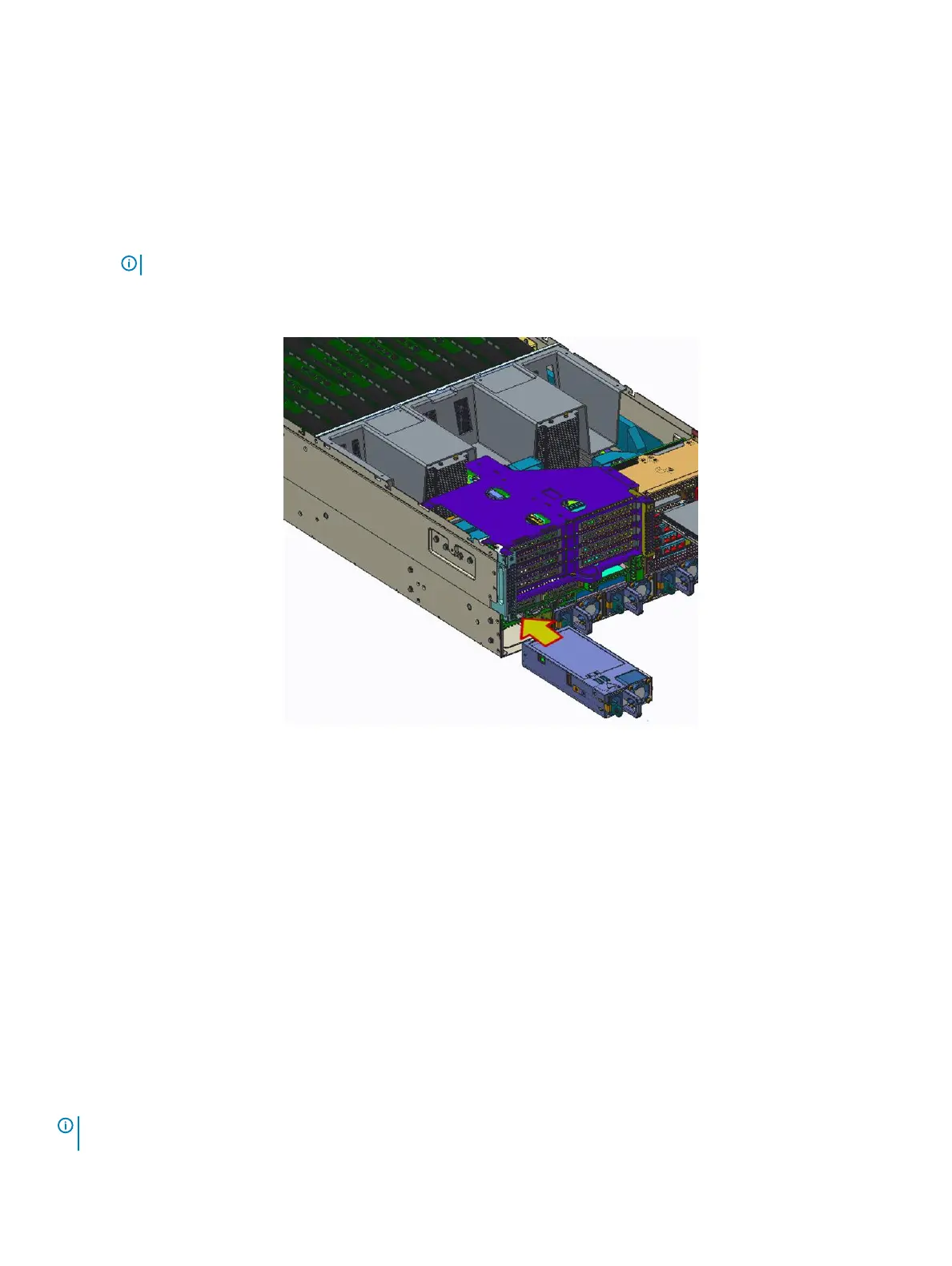
Insert the power supply module into the power supply cage and push all the way until it clicks into place.
Figure 23. Installing a power supply unit
Next steps
1 Connect the power cable to the PSU, and plug the cable into a power outlet.
2 Follow the procedure listed in After working inside your system.
Expansion cards and expansion card risers
Removing a GPU
Prerequisites
1 Follow the safety guidelines listed in Safety instructions.
2 Follow the procedure listed in Before working inside your system.
3 Remove the system cover.
NOTE
: Do not operate the system with any GPU or GPU slot ller removed, as proper air ow and cooling may be impaired,
impacting system performance.
Installing and removing system components 53















 To Next Page