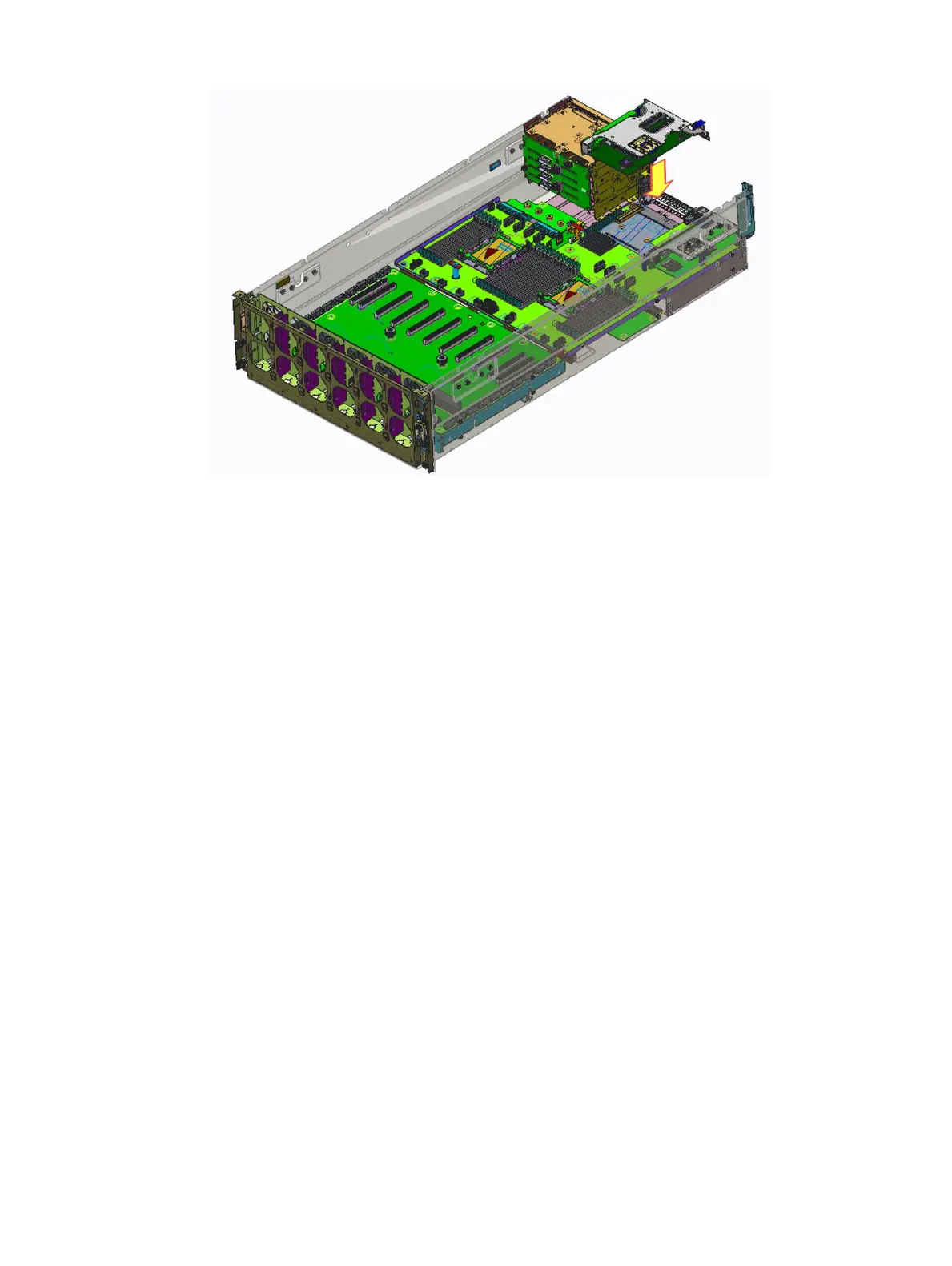
Figure 50. Installing the riser 2 module
Next steps
1 Install the buttery module.
2 Install the top cover.
3 Follow the procedure listed in After working inside your system
Riser 1 module
Removing the riser 1 module
Prerequisites
1 Follow the safety guidelines listed in Safety instructions.
2 Follow the procedure listed in Before working inside your system.
3 Remove the system cover.
4 Buttery module.
Step
Hold the touch points and lift the riser 1 module from the connector on the system board.
72
Installing and removing system components















 To Next Page