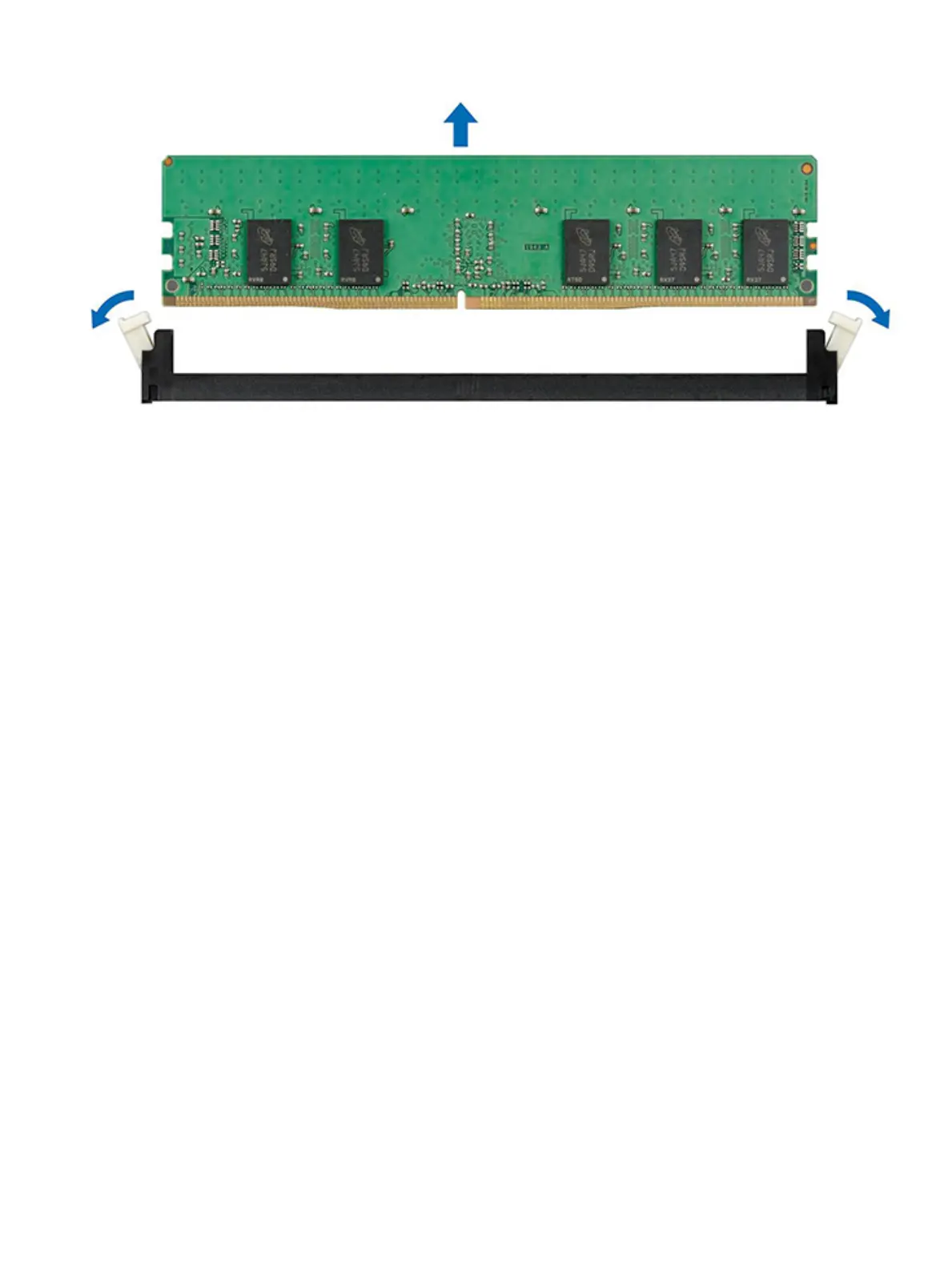
Figure 44. removing a memory module
Next step
Install a memory module.
Installing a memory module
Prerequisite
1 Follow the safety guidelines listed in Safety instructions.
Steps
1 Locate the appropriate memory module socket.
2 Push the ejectors outward on both ends of the memory module socket.
3 Holding the DIMM by edges insert it into socket tightly.
68
Installing and removing system components















 To Next Page