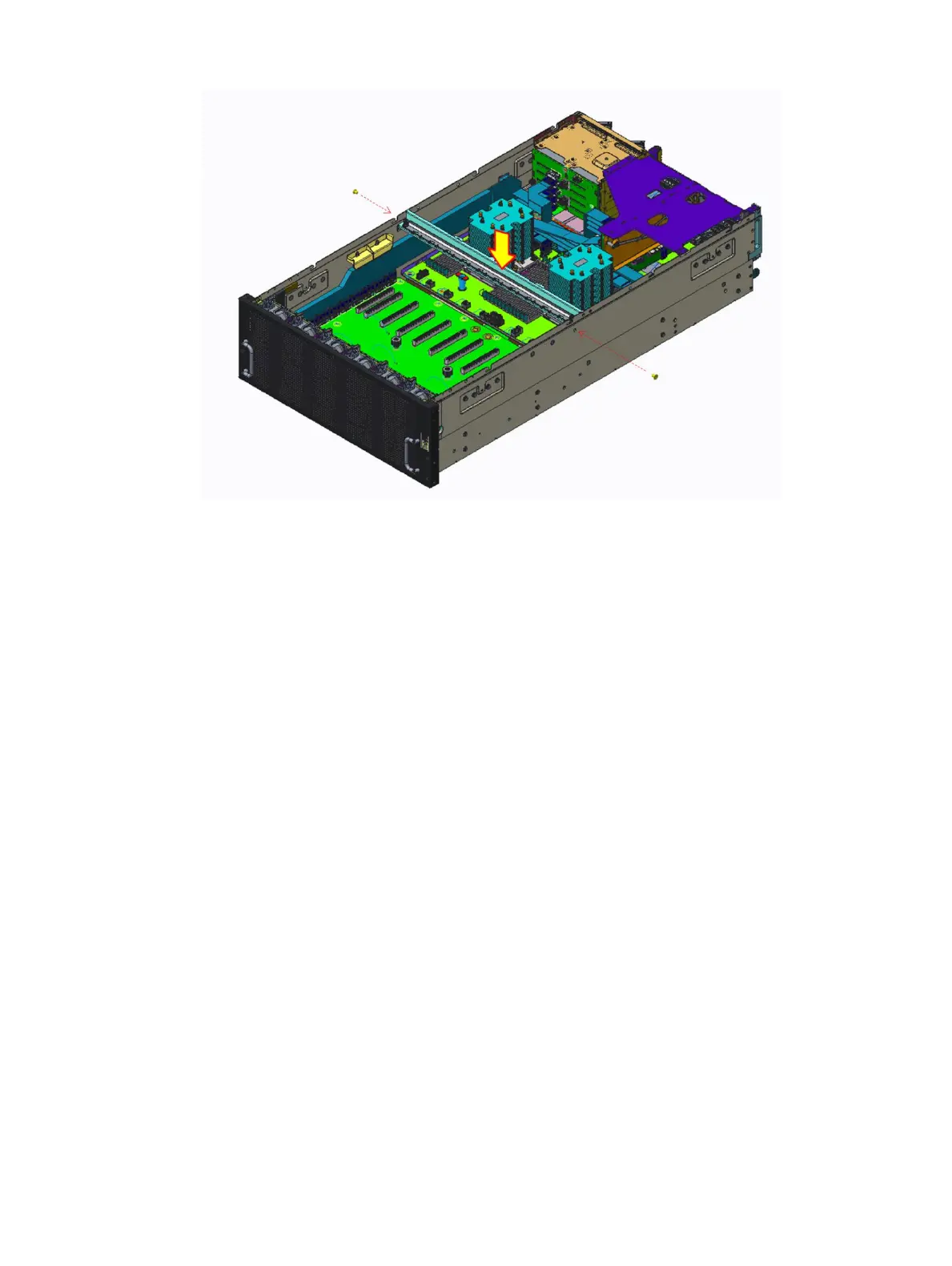
Figure 29. Installing the GPU support bracket
Next steps
1 Install the GPU card.
2 Install the system cover.
3 Follow the procedure listed in After working inside your system
Removing the PCIe switch board
Prerequisites
1 Follow the safety guidelines listed in Safety instructions.
2 Follow the procedure listed in Before working inside your system.
3 Remove the system cover.
4 Remove the GPU card.
5 Remove the GPU support bracket.
6 Disconnect all the cables. For more information, see
a 3M cable Installation-Cong A left
b 3M cable Installation-Cong A right
c GPU power cable assembly GPU card to PSB
7 Remove the fan louver.
Steps
1 Remove the six screws securing the PCIe switch board module.
2 Lift up the two levers at the front and rear side of the PSB module.
Installing and removing system components
57















 To Next Page