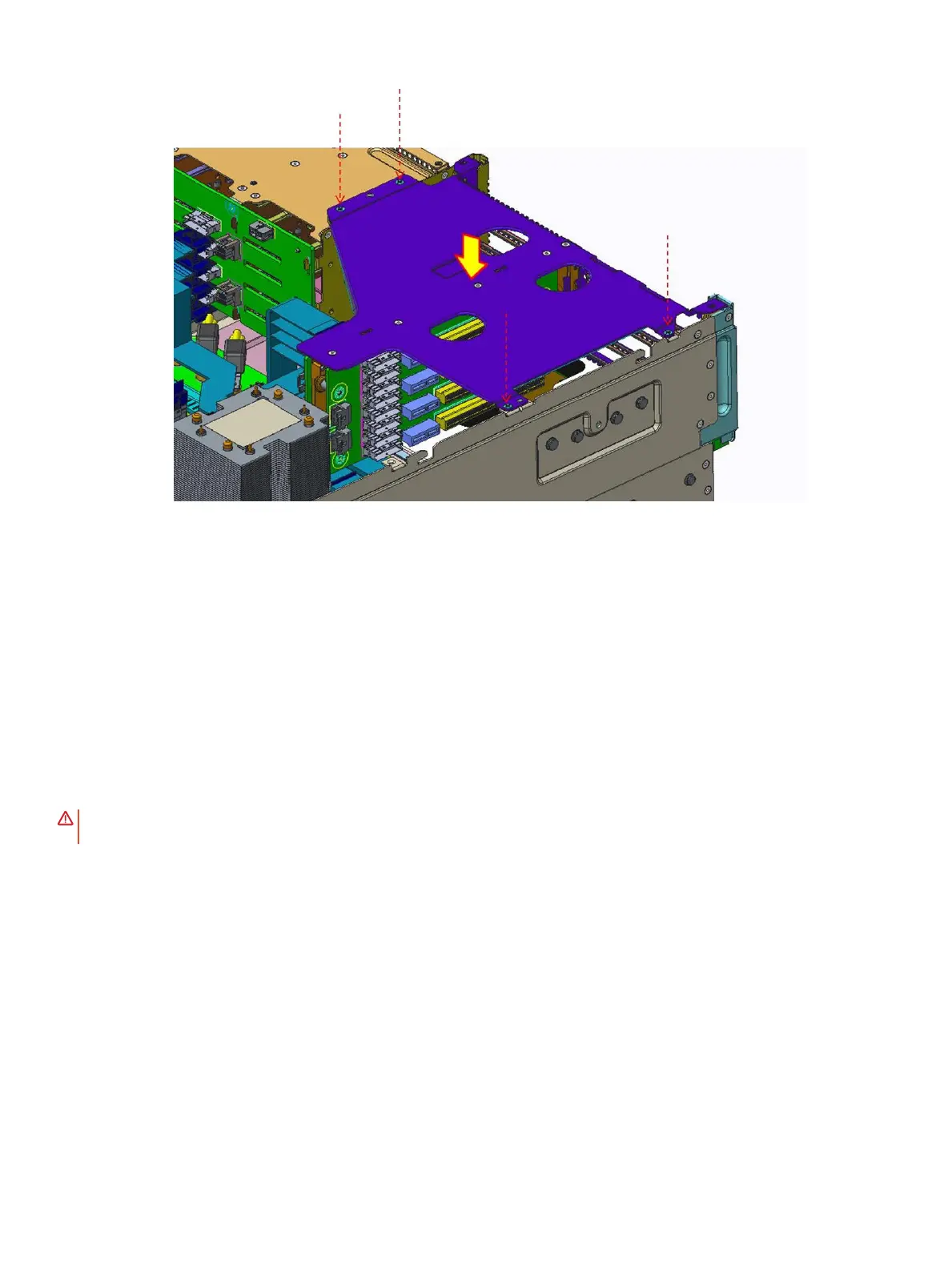
Figure 41. Installing the buttery module
Next steps
1 Install the system cover
2 Follow the procedure listed in After working inside your system
Processor and heat sink
Removing the processor and heat sink
Prerequisites
WARNING
: The heat sink may be hot to touch for some time after the system is powered down. Allow the heat sink to cool
before removing it.
1 Follow the safety guidelines listed in Safety instructions.
2 Follow the procedure listed in Before working inside your system.
3 Remove the following:
a Remove the system cover.
b Removing the air shroud.
Steps
1 Using a Torx #T30 screwdriver, loosen the screws on the heat sink in the order below:
a Loosen the rst screw three turns.
b Loosen the second screw completely.
c Return to the rst screw and loosen it completely.
Installing and removing system components
65















 To Next Page