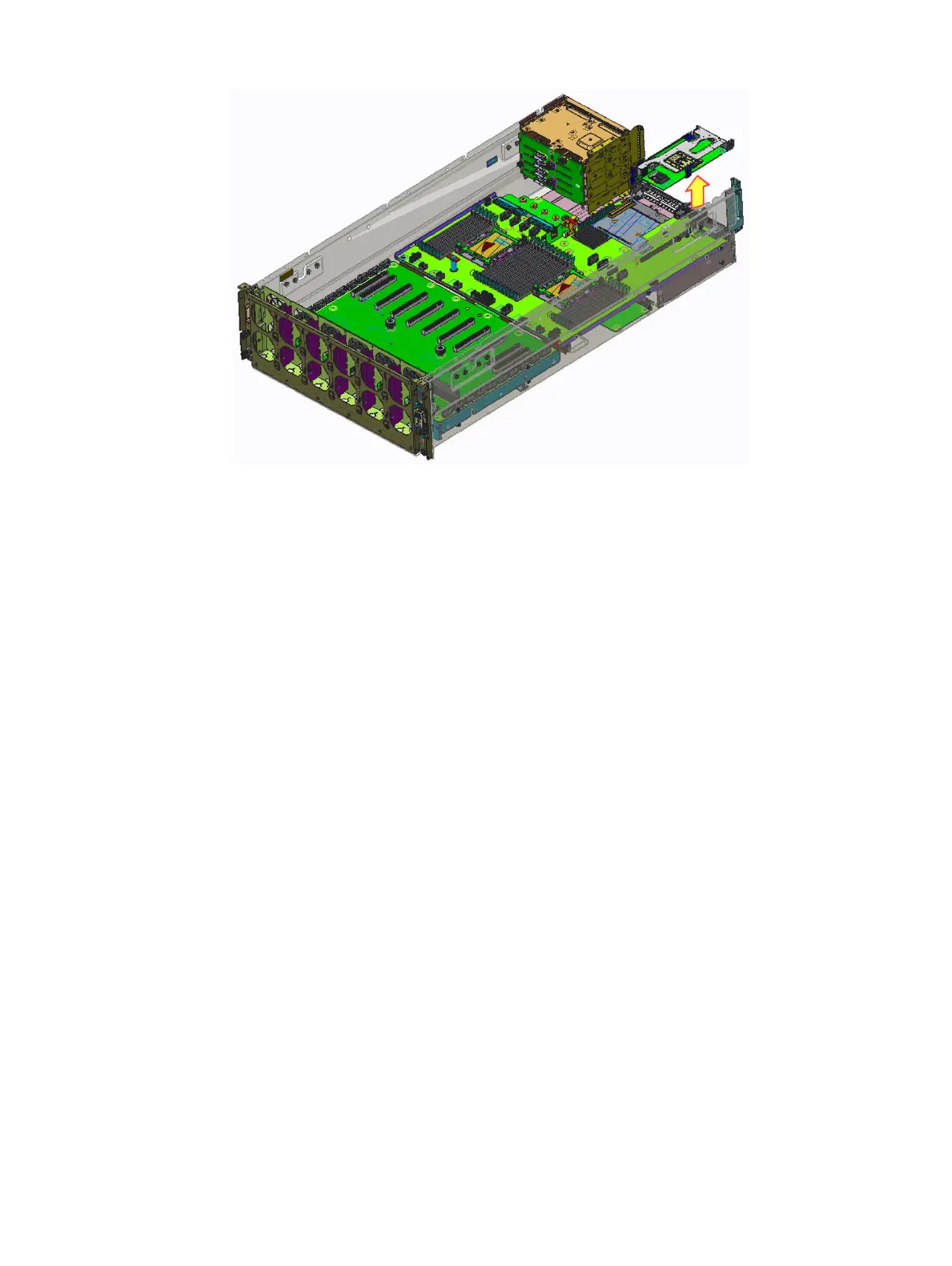
Figure 51. Removing the riser 1 module
Next step
Install the riser 1 card
Installing the riser 1 module
Prerequisite
1 Follow the safety guidelines listed in Safety instructions.
Steps
1 Align the riser1 module connector with the card connector on the system board and push the riser1 module wards the connector to
seat it rmly.
2 Press the riser 1 module-edge down until the card is fully seated.
Installing and removing system components
73















 To Next Page