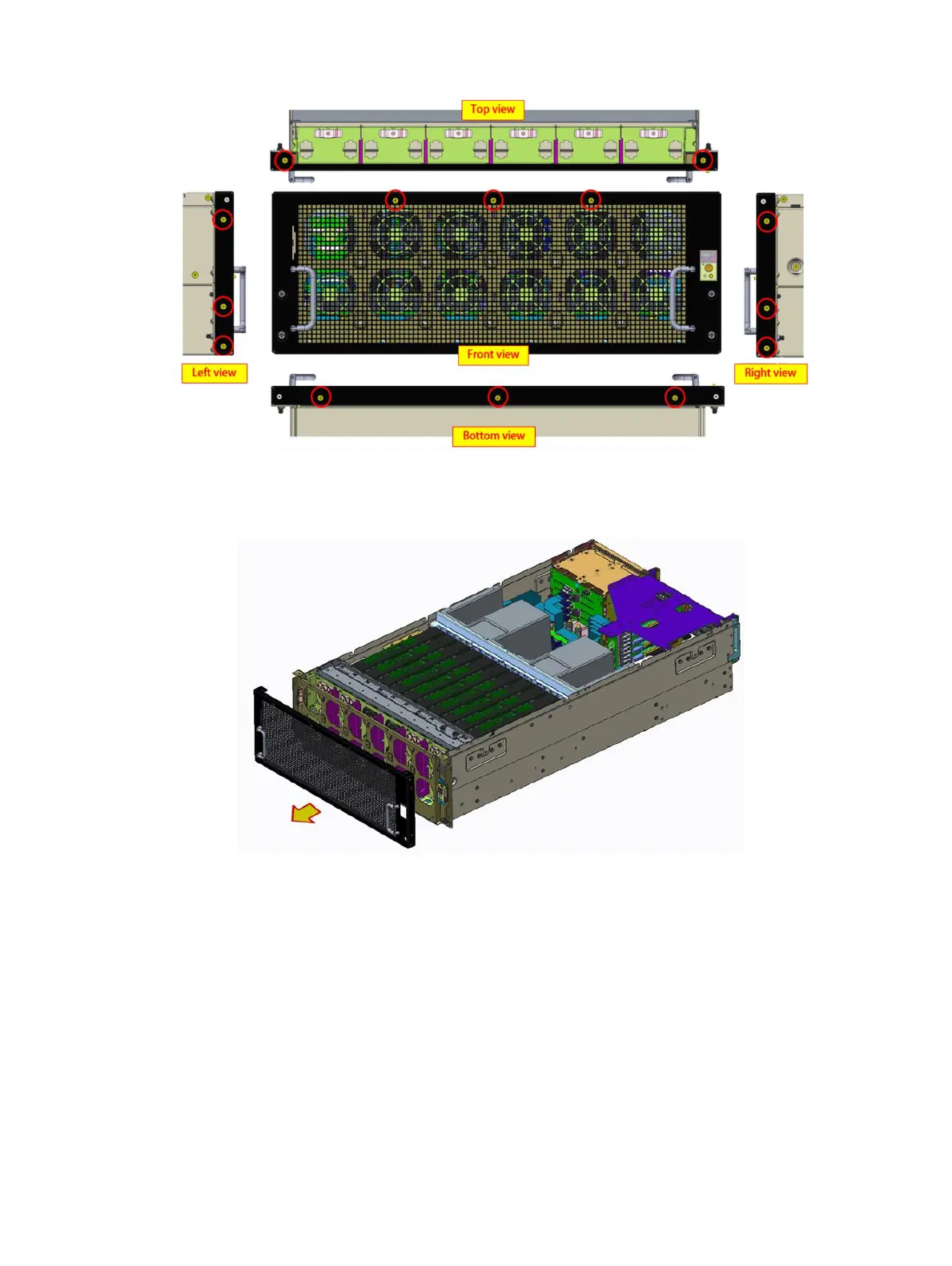
Figure 11. Removing the screws
2 Remove the front bezel from the fan cage.
Figure 12. Removing the front bezel
Installing the front bezel
Prerequisite
1 Follow the safety guidelines listed in Safety instructions.
Steps
1 Place the front bezel onto the chassis and slide the front bezel into place.
Installing and removing system components
45















 To Next Page