Figure 46. Removing the riser 2 module
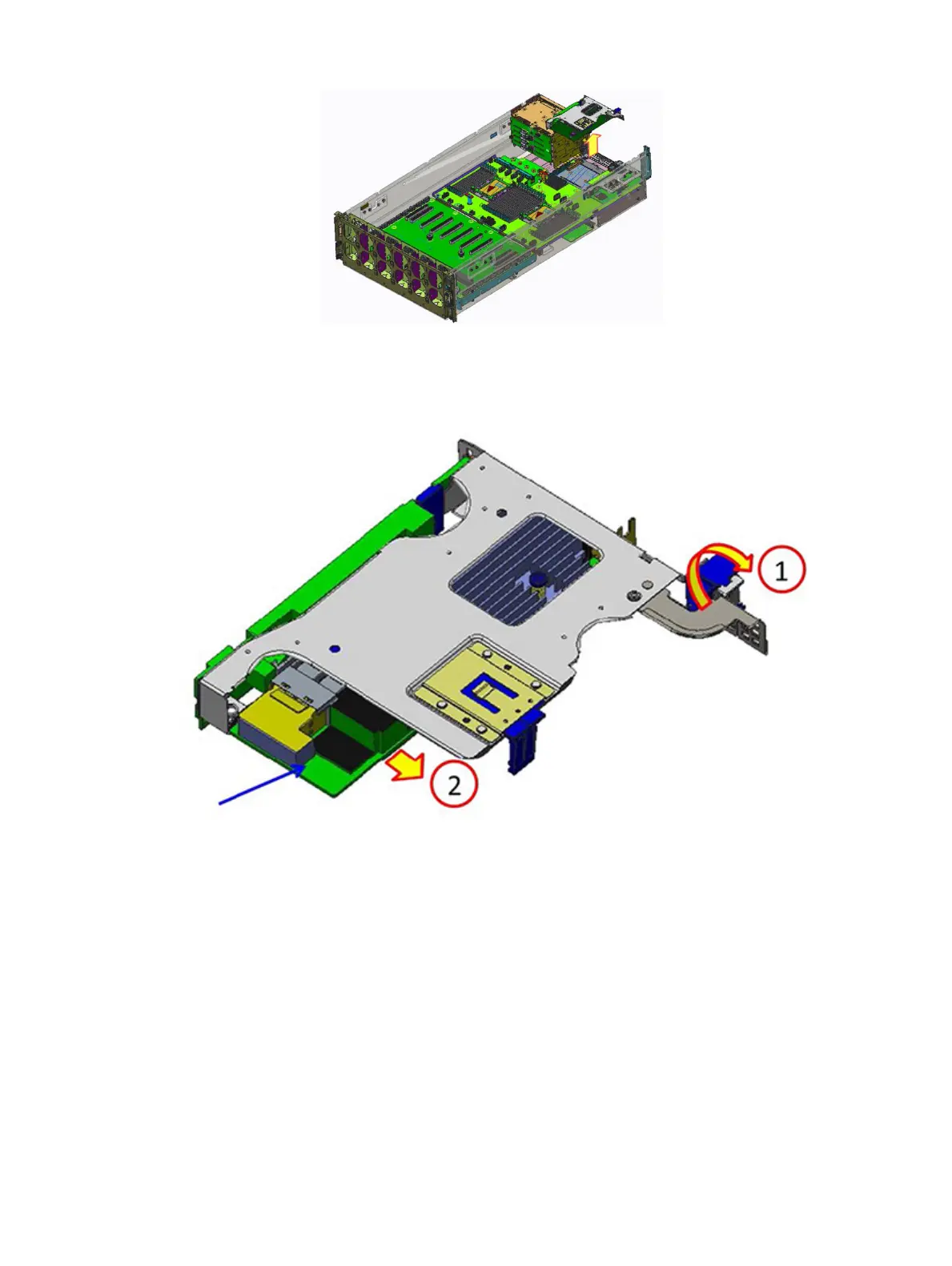
2 Open the PCIe bracket latch, removing the H730P+ card from the riser 2 module.
Figure 47. Removing the H730P+ card
Next step
Install the riser 2 card.
Installing the riser 2 module
Prerequisite
1 Follow the safety guidelines listed in Safety instructions.
Steps
1 Open the PCIe bracket latch.
70
Installing and removing system components















 To Next Page