Next steps
1 Connect all the cables.
2 Install the all drives.
3 Install the top cover.
4 Follow the procedure listed in After working inside your system
Power supply unit
Removing a power supply unit
Prerequisites
CAUTION: The power supply is only hot-swappable if you have a redundant system with all power supplies installed. If you only
have one power supply installed, before removing or replacing the power supply, you must rst take the server out of service,
turn o all peripheral devices connected to the system, turn o the system by pressing the power button, and unplug the AC
power cord from the system or wall outlet.
1 Follow the safety guidelines listed in Safety instructions.
2 Disconnect the power cable from the power source and from the PSU you intend to remove.
Step
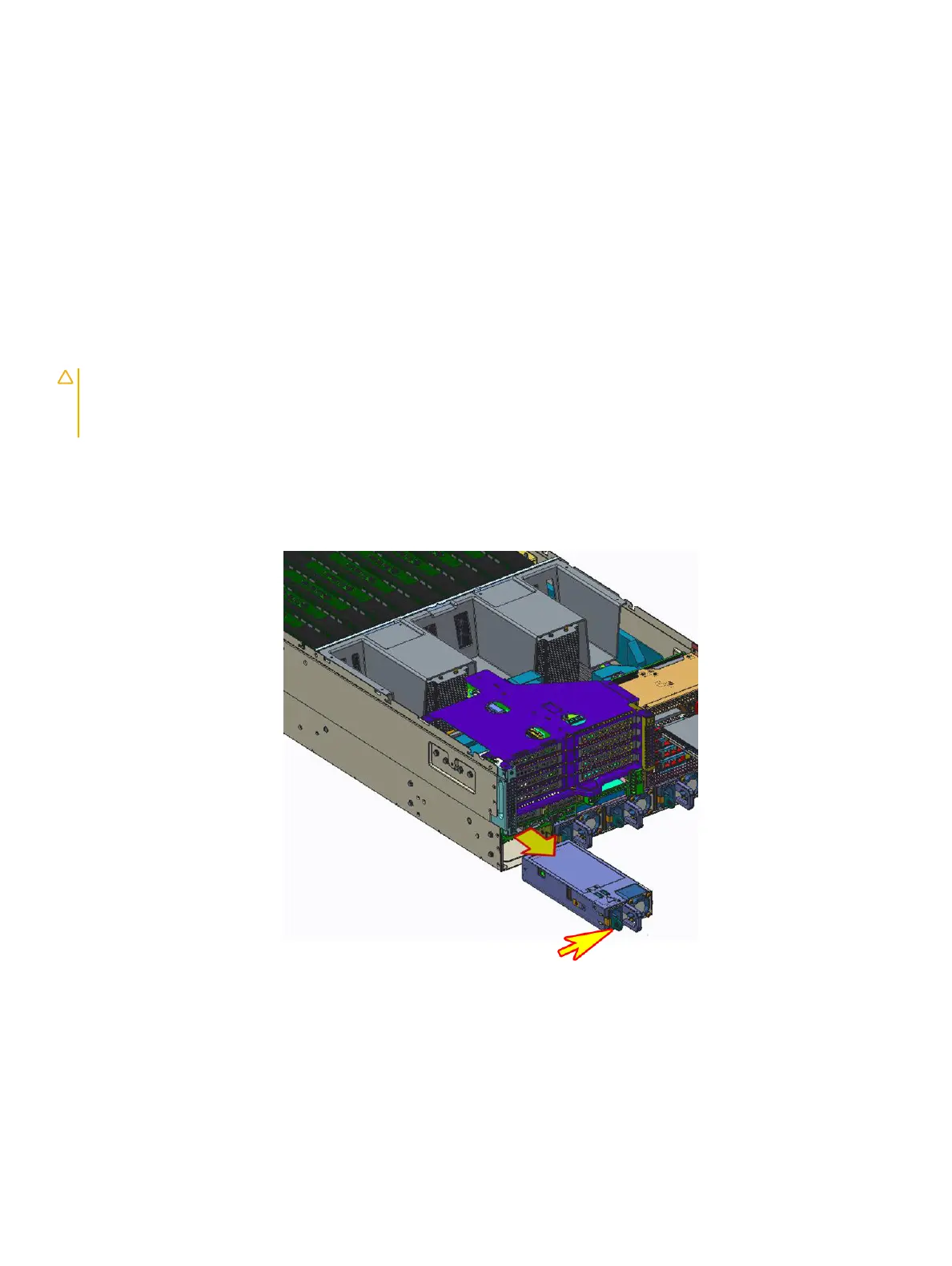
Push the latch in the direction shown while pulling out of power supply module by the handle.
Figure 22. Removing a power supply unit
Next step
Install the Power supply unit.
Related link
Installing a power supply unit
52
Installing and removing system components















 To Next Page