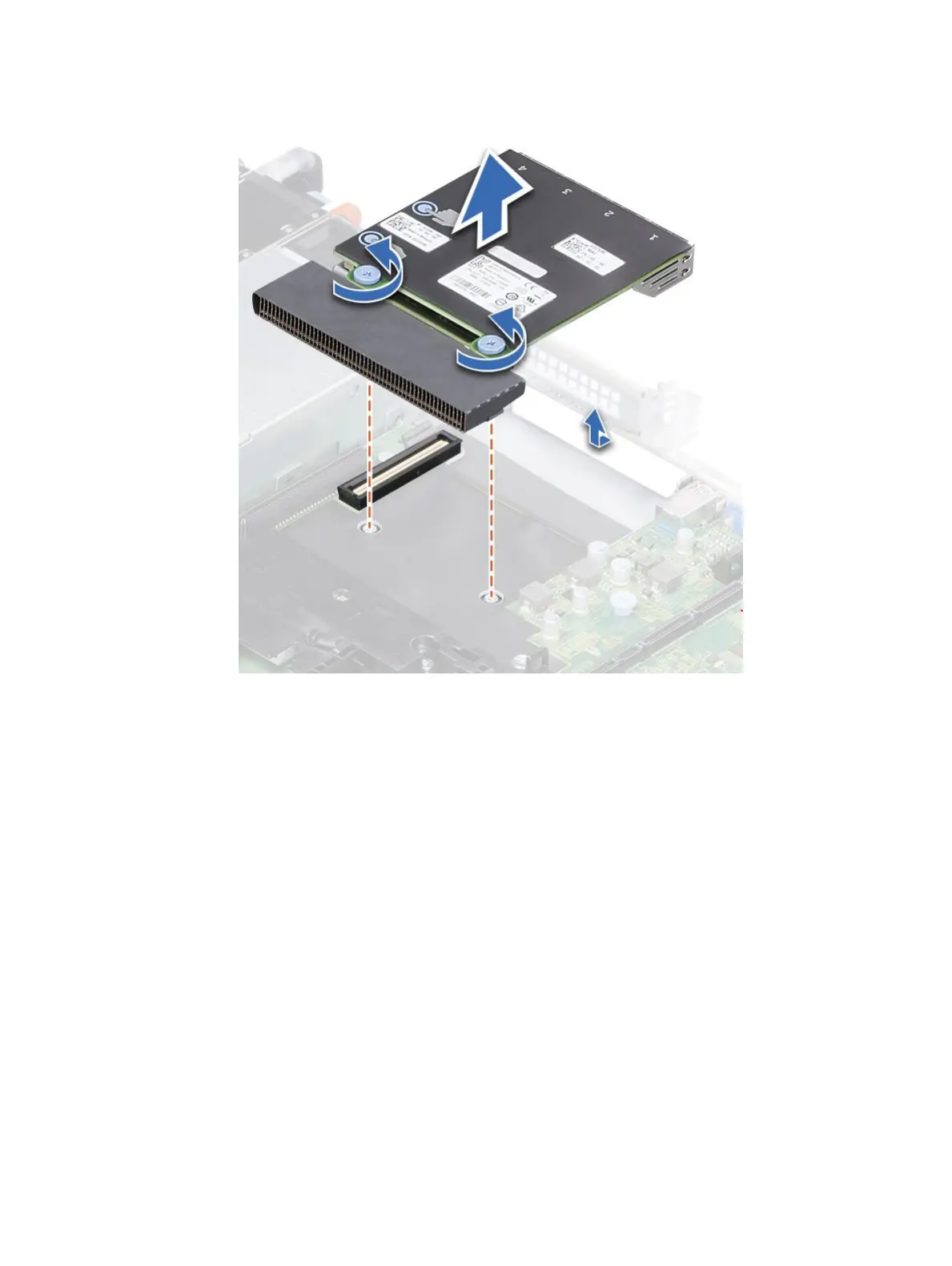
Figure 53. Removing the network daughter card
Installing the network daughter card
Prerequisite
Follow the procedure listed in Before working inside your system
Steps
1 Orient the NDC so that the Ethernet connectors t through the slot in the chassis.
2 Align the captive screws at the back-end of the card with the screw holes on the system board.
3 Press the touch points on the card until the card connector is rmly seated on the system board connector.
4 Using a Phillips #2 screwdriver, tighten the captive screws to secure the NDC to the system board.
Installing and removing system components
75















 To Next Page