Installing the riser 3 board and buttery module
Prerequisite
1 Follow the safety guidelines listed in Safety instructions.
Steps
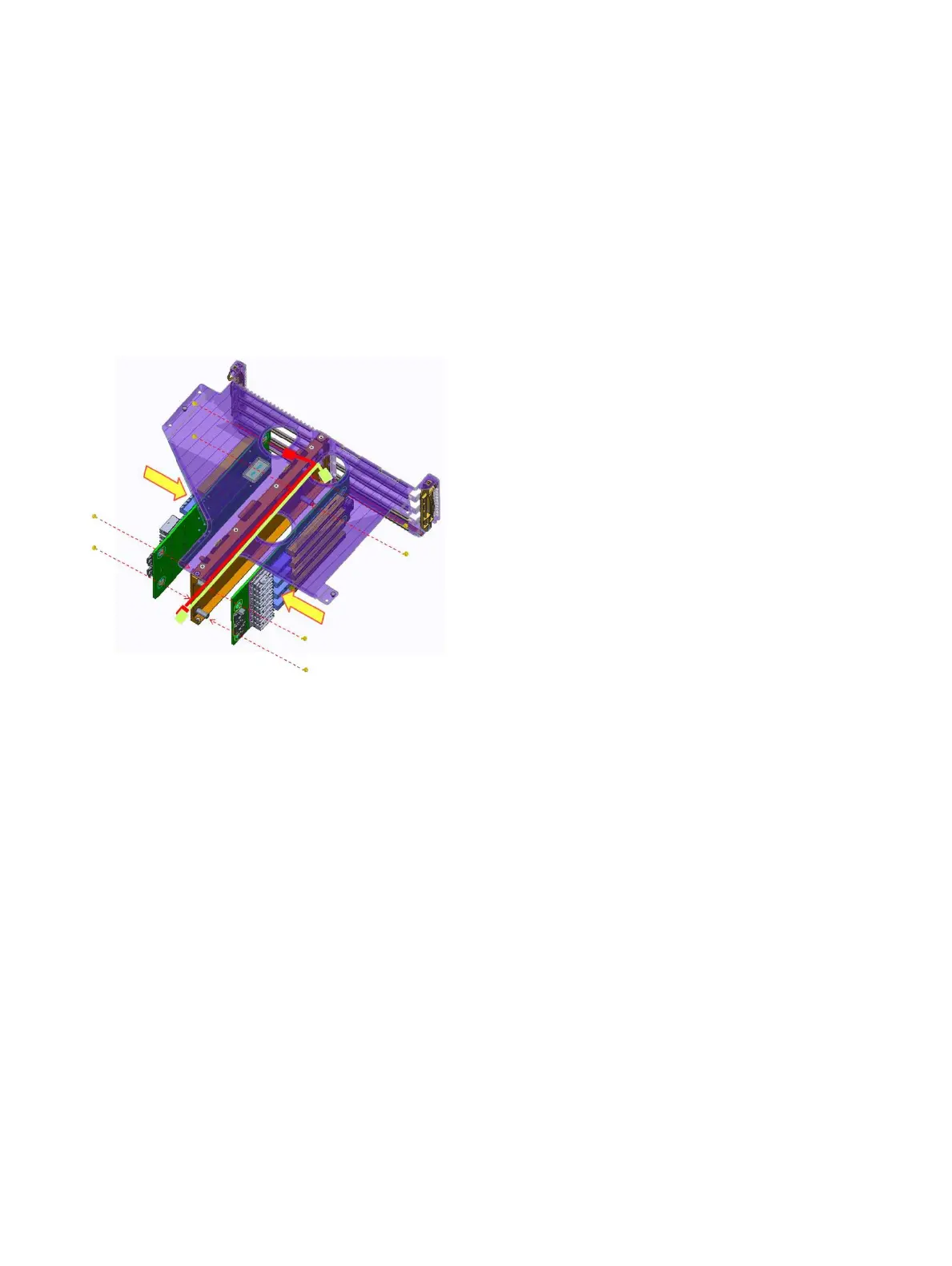
1 Insert the riser 3 board into riser bracket.
2 Secure xing the both the riser 3 board by eight screws.
Figure 40. Installing the riser 3 board
3 Connect all the cables.
4 Insert the buttery module into chassis.
5 Secure xing the buttery module by four screws.
64
Installing and removing system components















 To Next Page