Next steps
1 Install the following:
a GPU clamp and GPU card
b Air shroud
c System cover
2 Follow the procedure listed in After working inside your system
Cooling fans
Replacing a cooling fan
Prerequisites
CAUTION: Cooling fans are not hot swappable.
1 Follow the safety guidelines listed in Safety instructions.
2 Follow the procedure listed in Before working inside your system.
3 Remove the system cover.
Steps
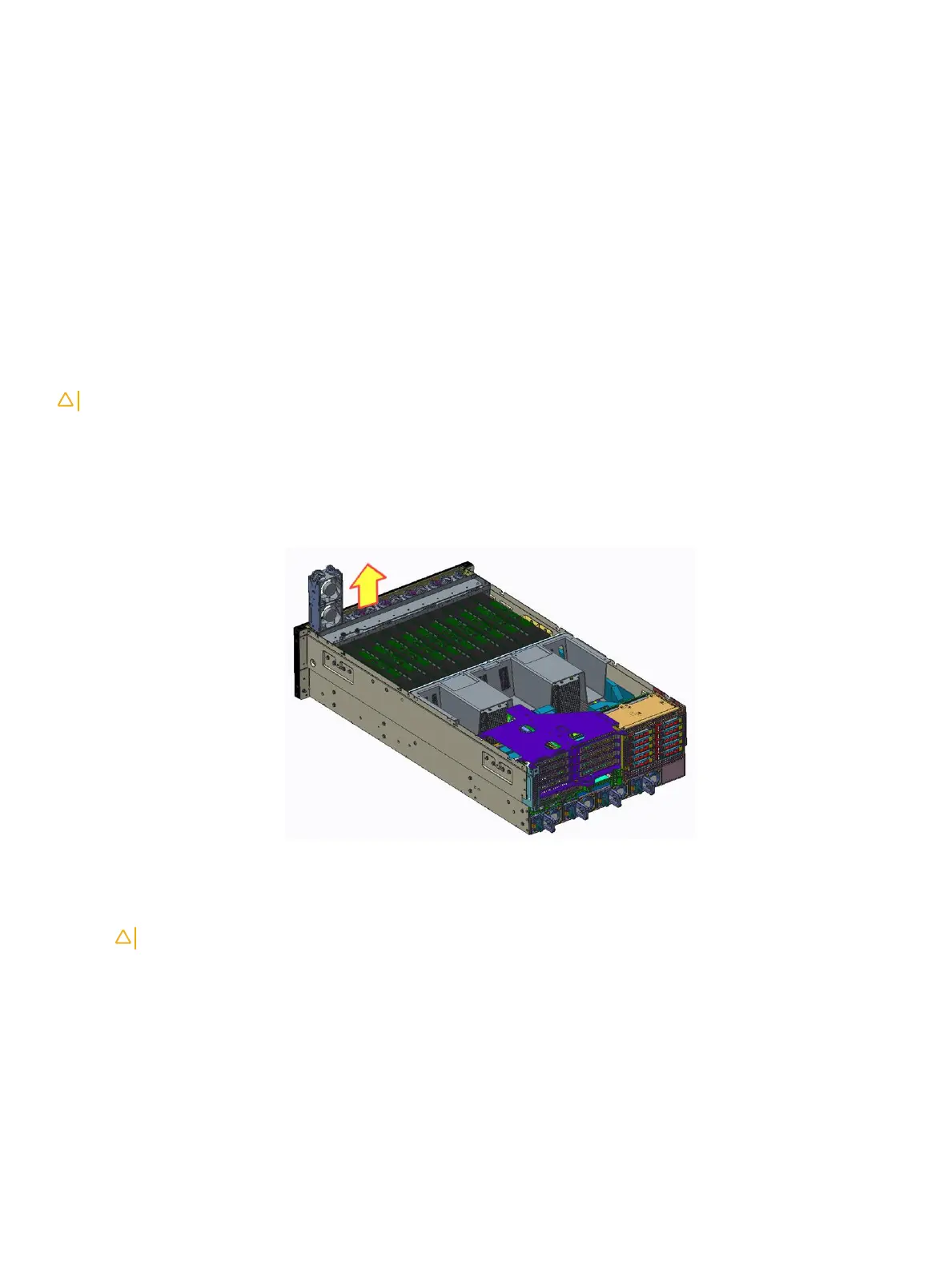
1 Hold the fan and pull it straight up to remove it from the fan cage.
Figure 73. Removing the cooling fan
2 Replace the system fan.
CAUTION
: To avoid injury, do not remove or install the fan by holding the fan blades.
Next steps
1 Install the System cover.
2 Follow the procedure listed in After working inside your system.
Installing and removing system components
91















 To Next Page